In this tutorial, I’ll walk you through how to connect your Slack Profile to ViralGenius
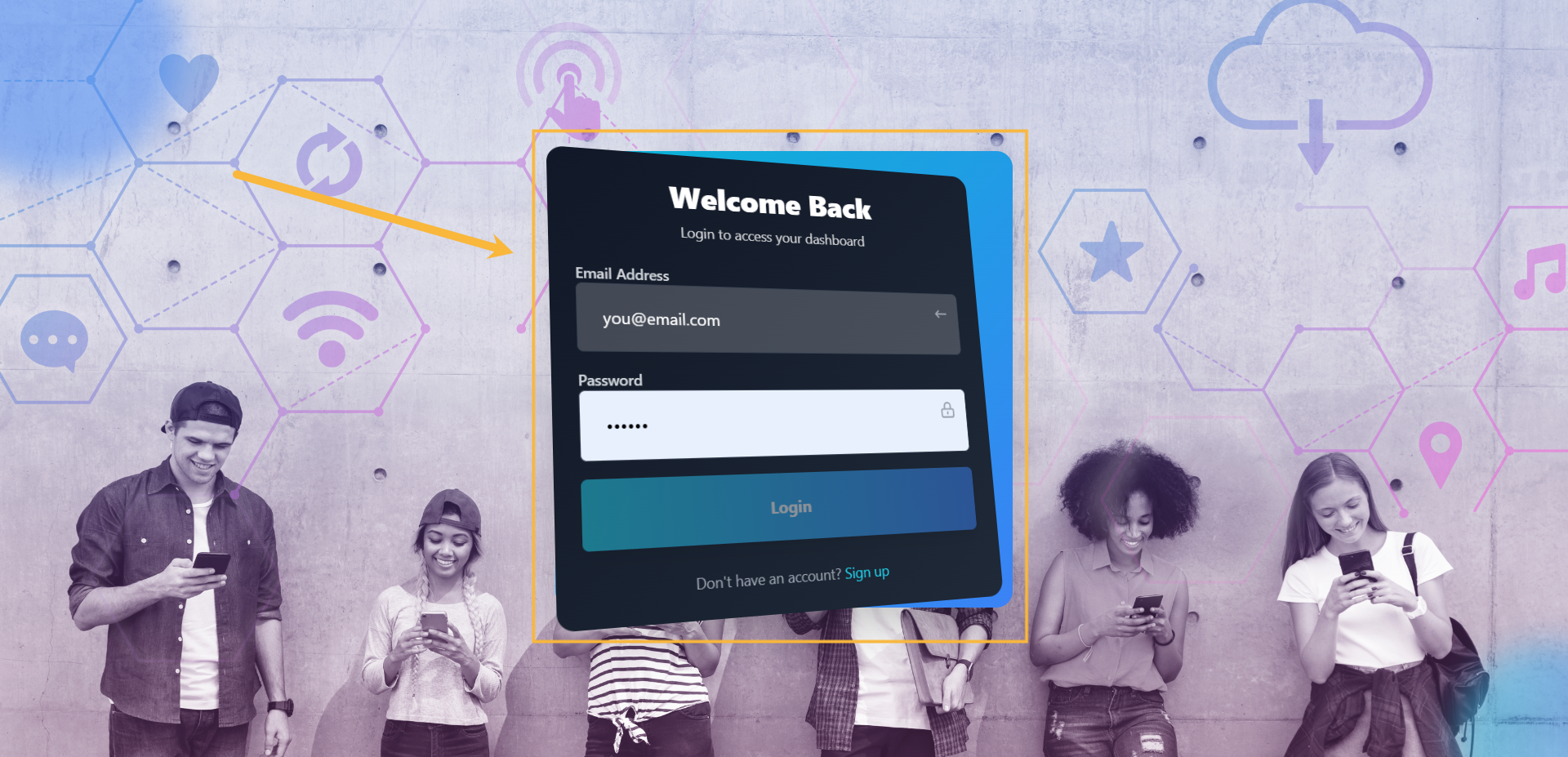
Step#1: Login to your account
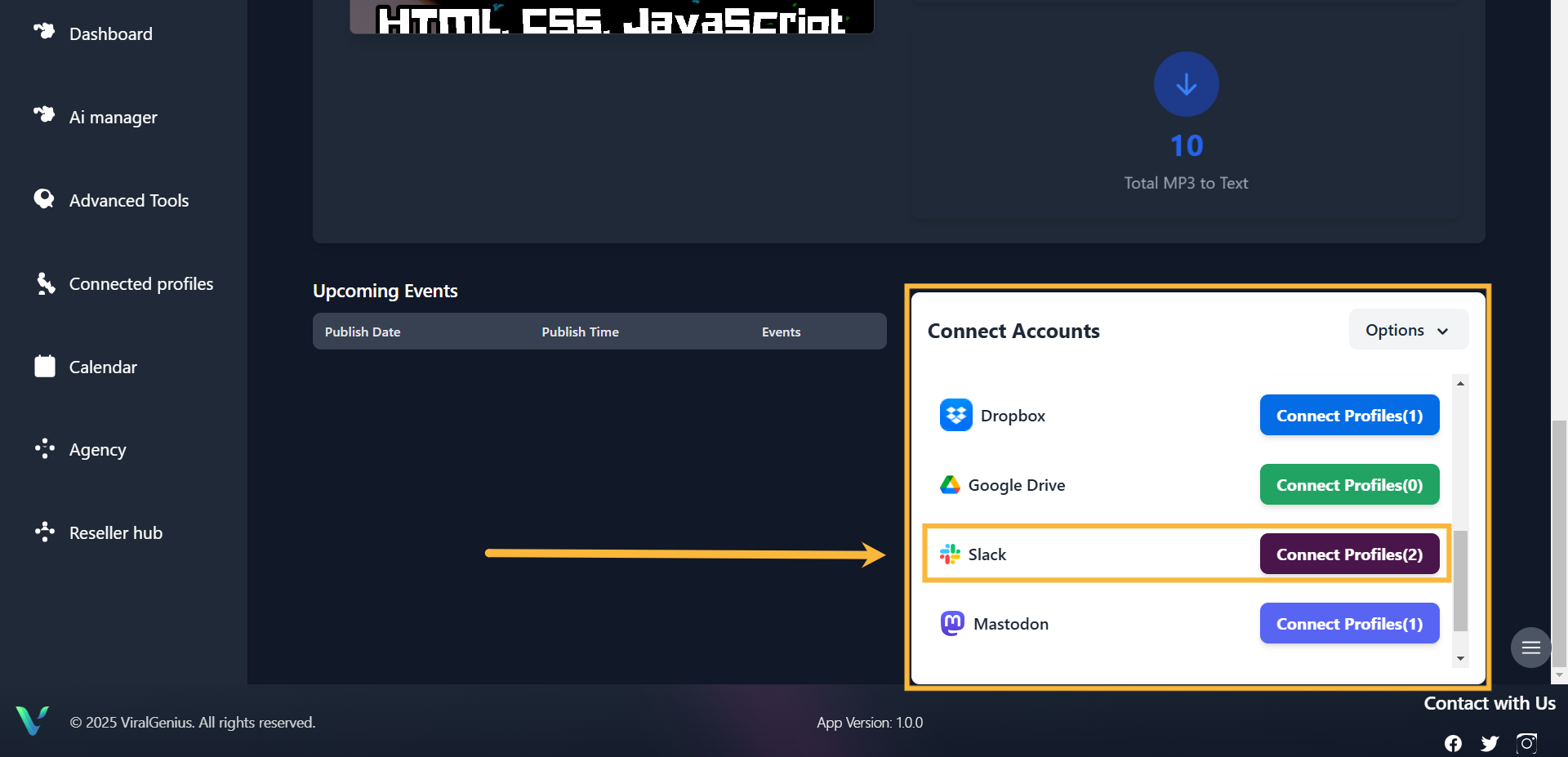
Step #2: Scroll down your dashboard, you’ll see all the profiles and select Slack, then click on Connect Profile
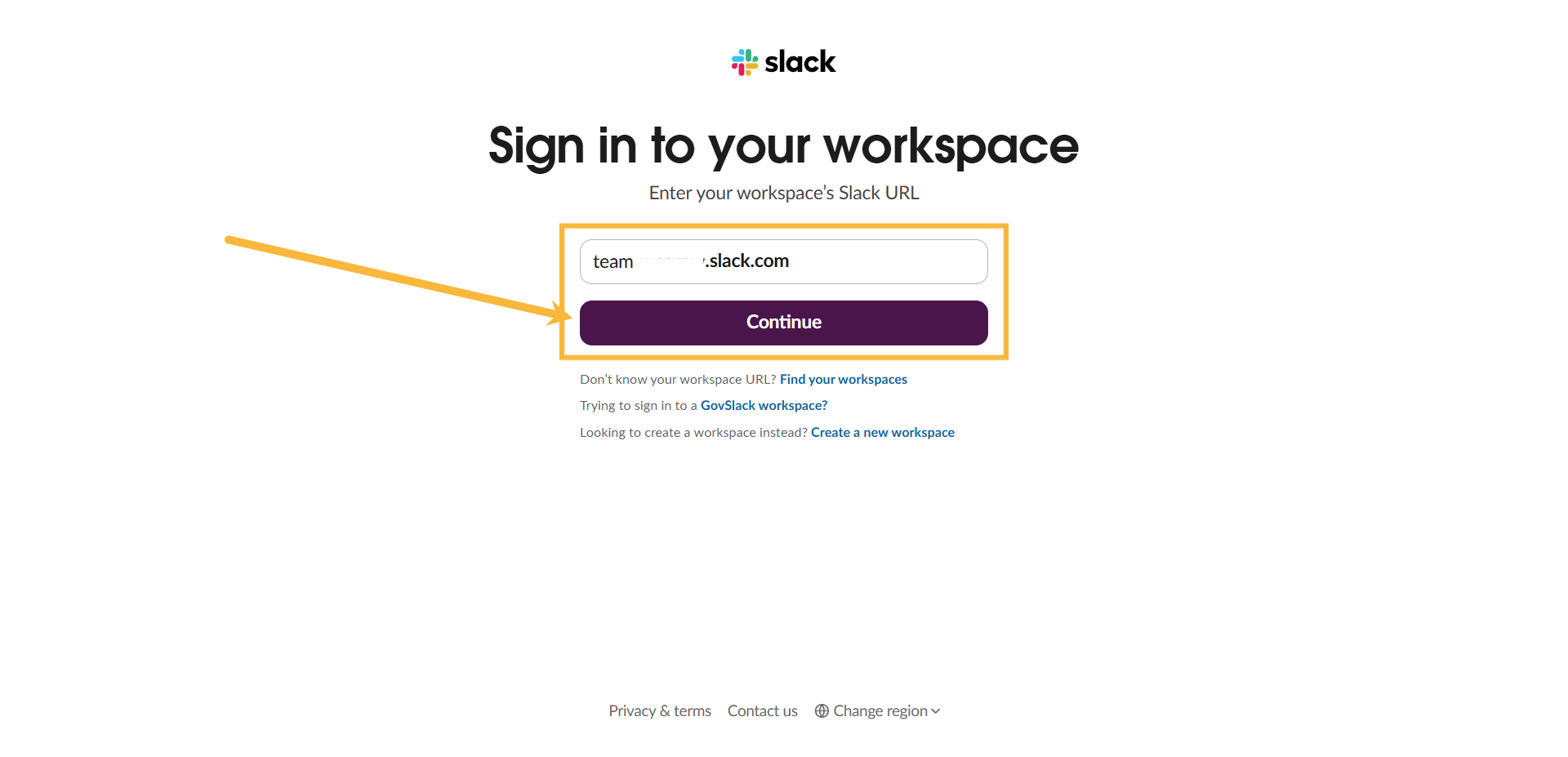
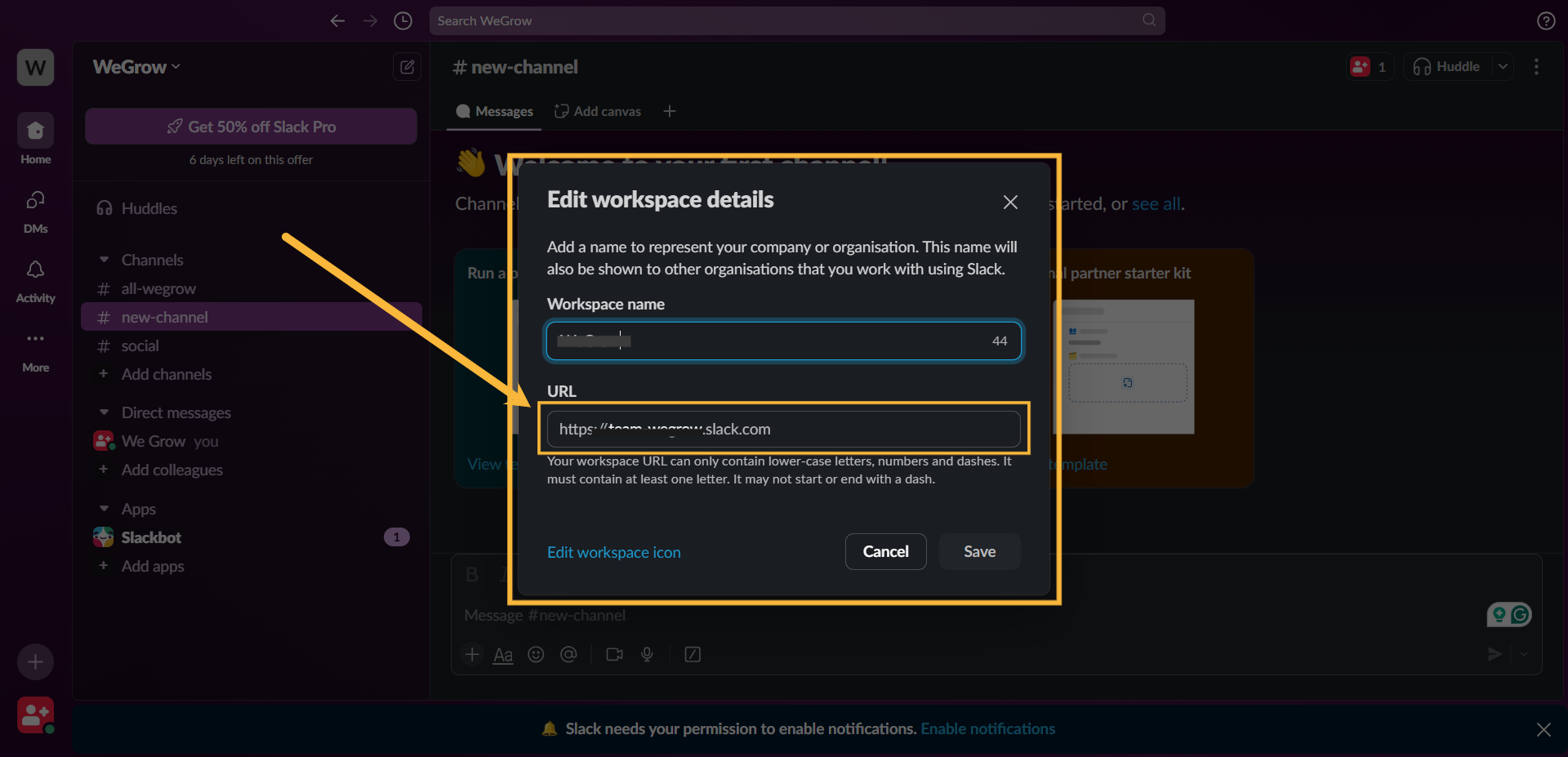
Step #3: Here you are required to Enter your workspace’s Slack URL.
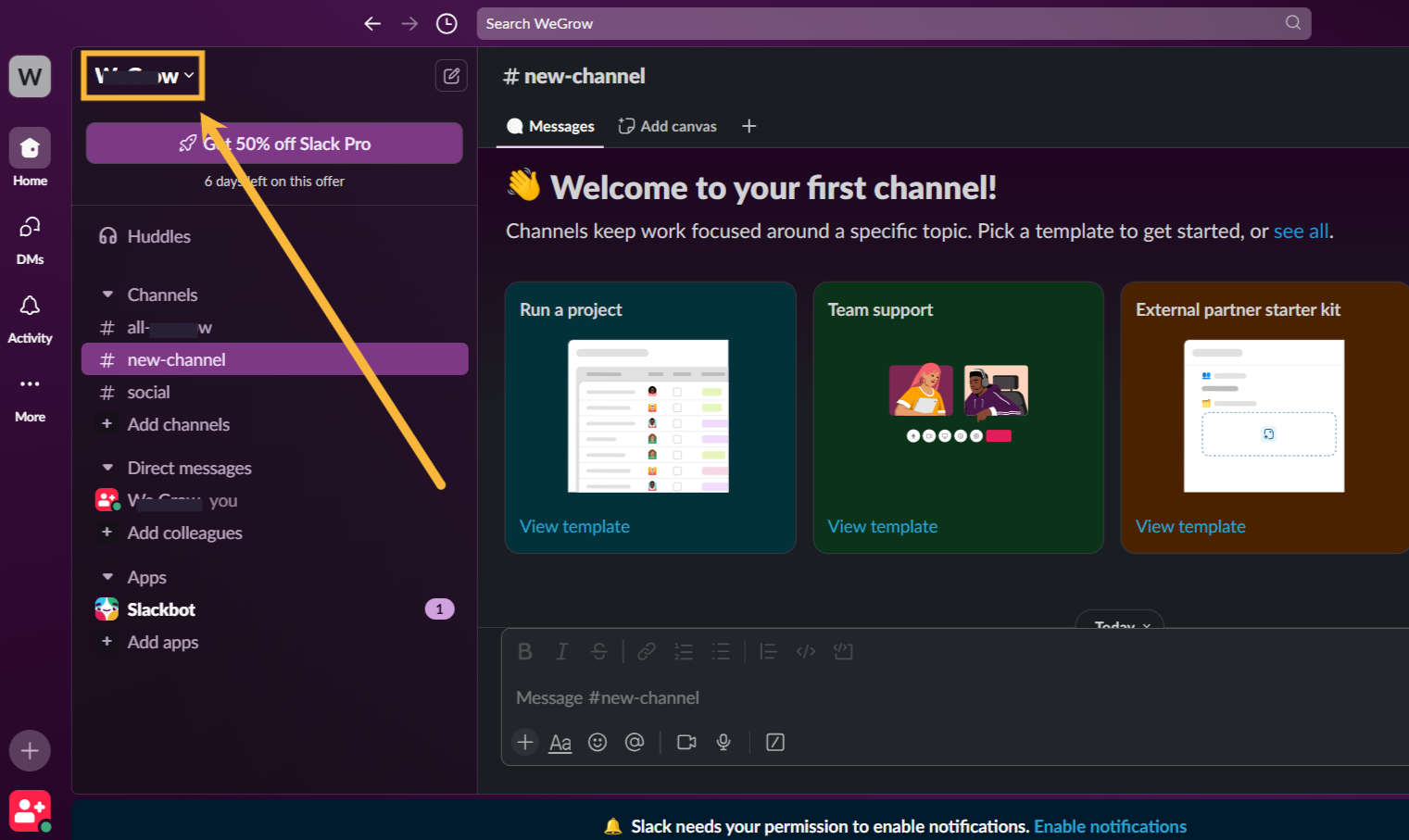
To do that, log in to your Slack dashboard, click on your workspace profile, and a pop-up will appear. You’ll see your workspace URL, copy it. Head back to ViralGenius paste it and Click on Continue.
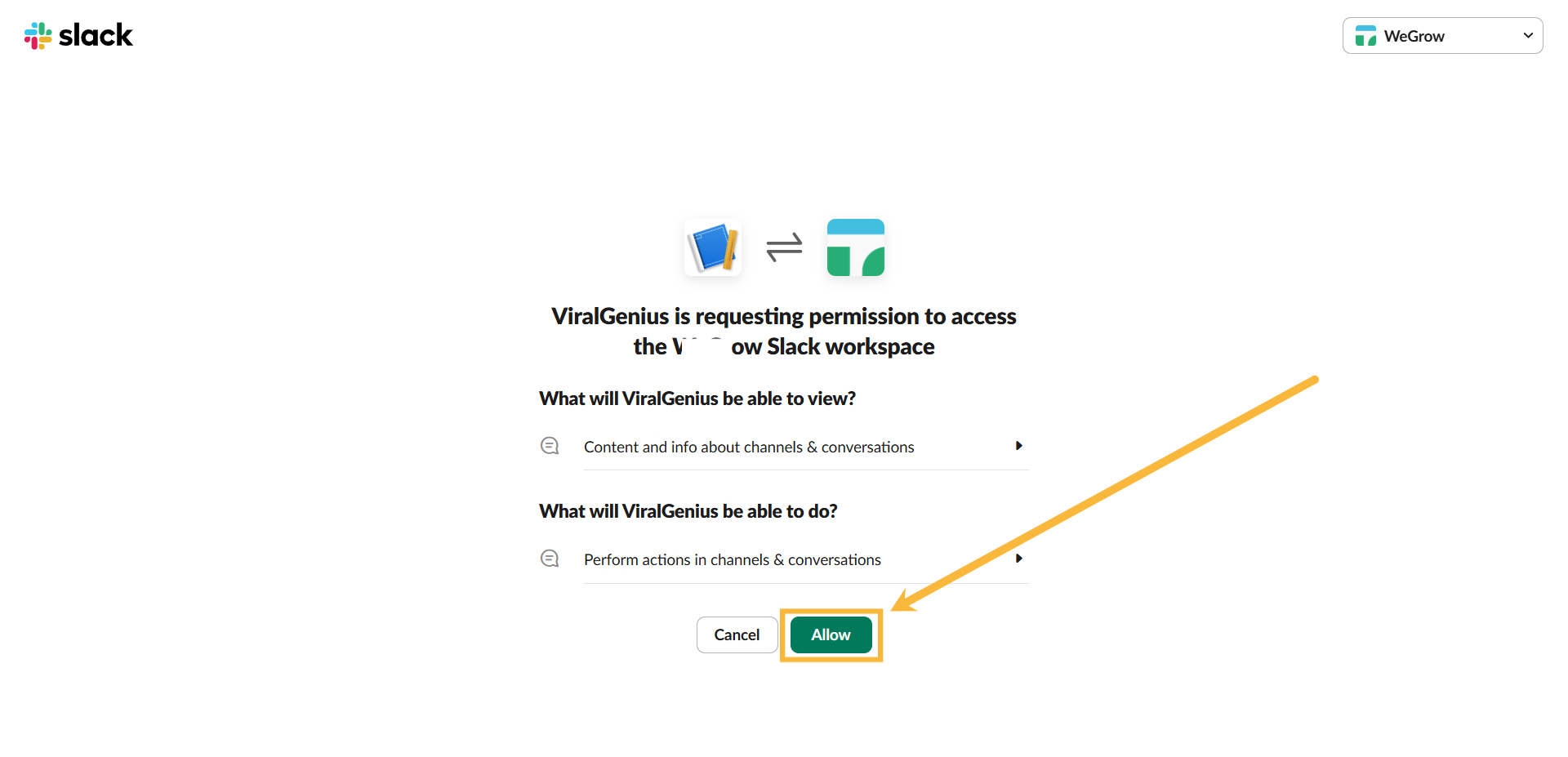
Step #4: After that, you will be redirected to this page, click on Allow
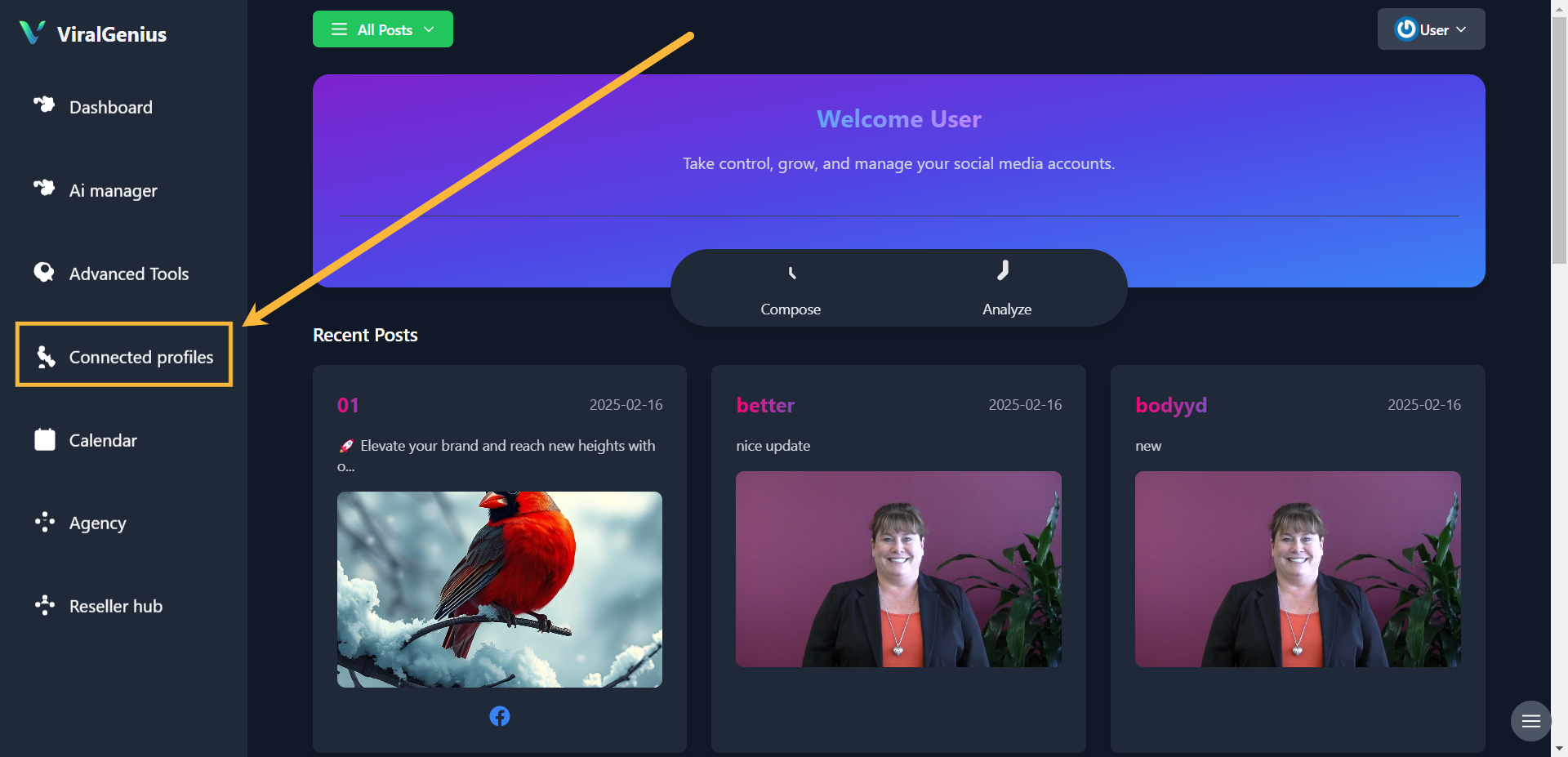
Step #4: Go to Connected Profiles, there you’ll see your Connected Slack account
I hope this was helpful