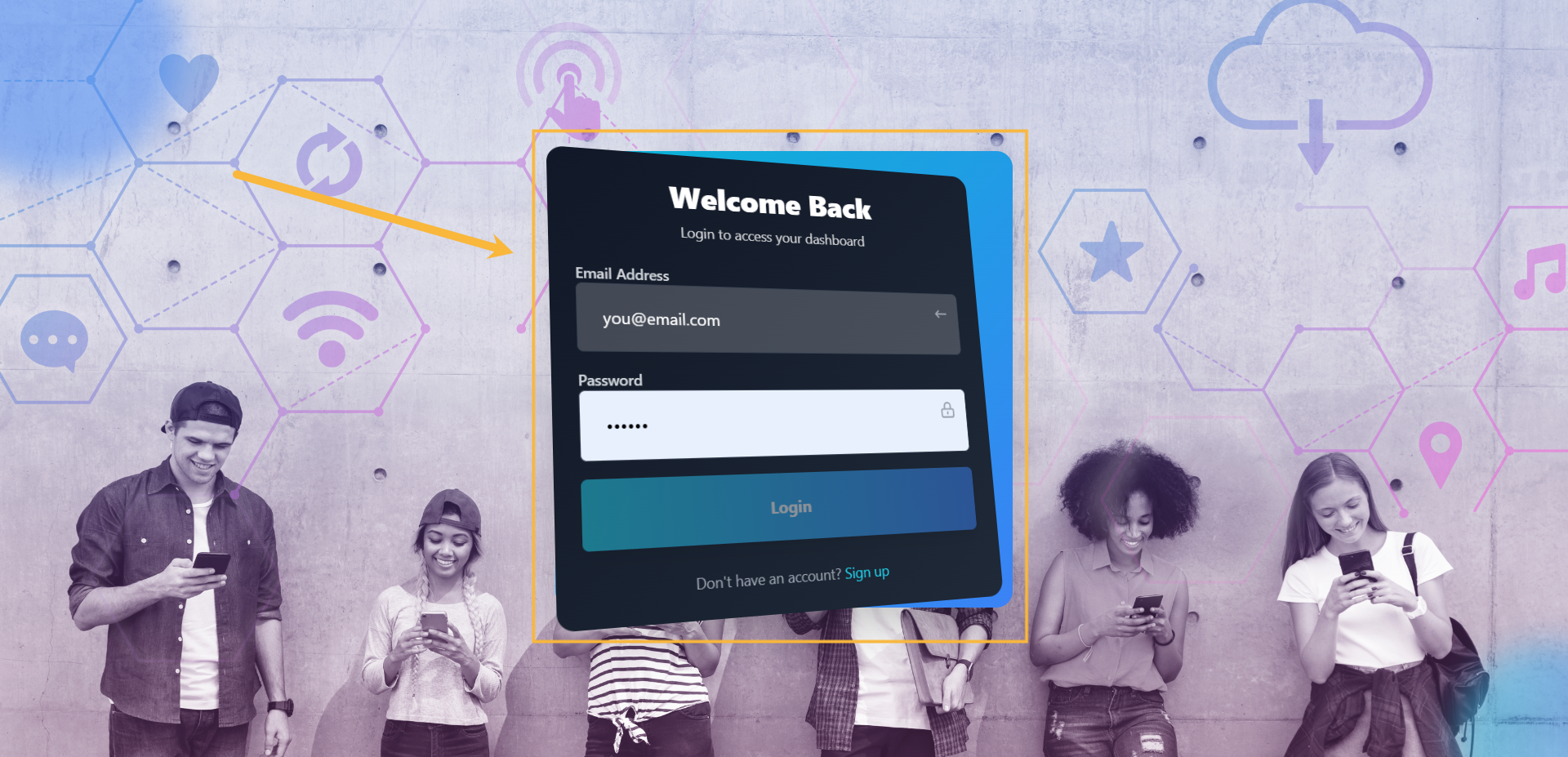
Step#1: Login to your account
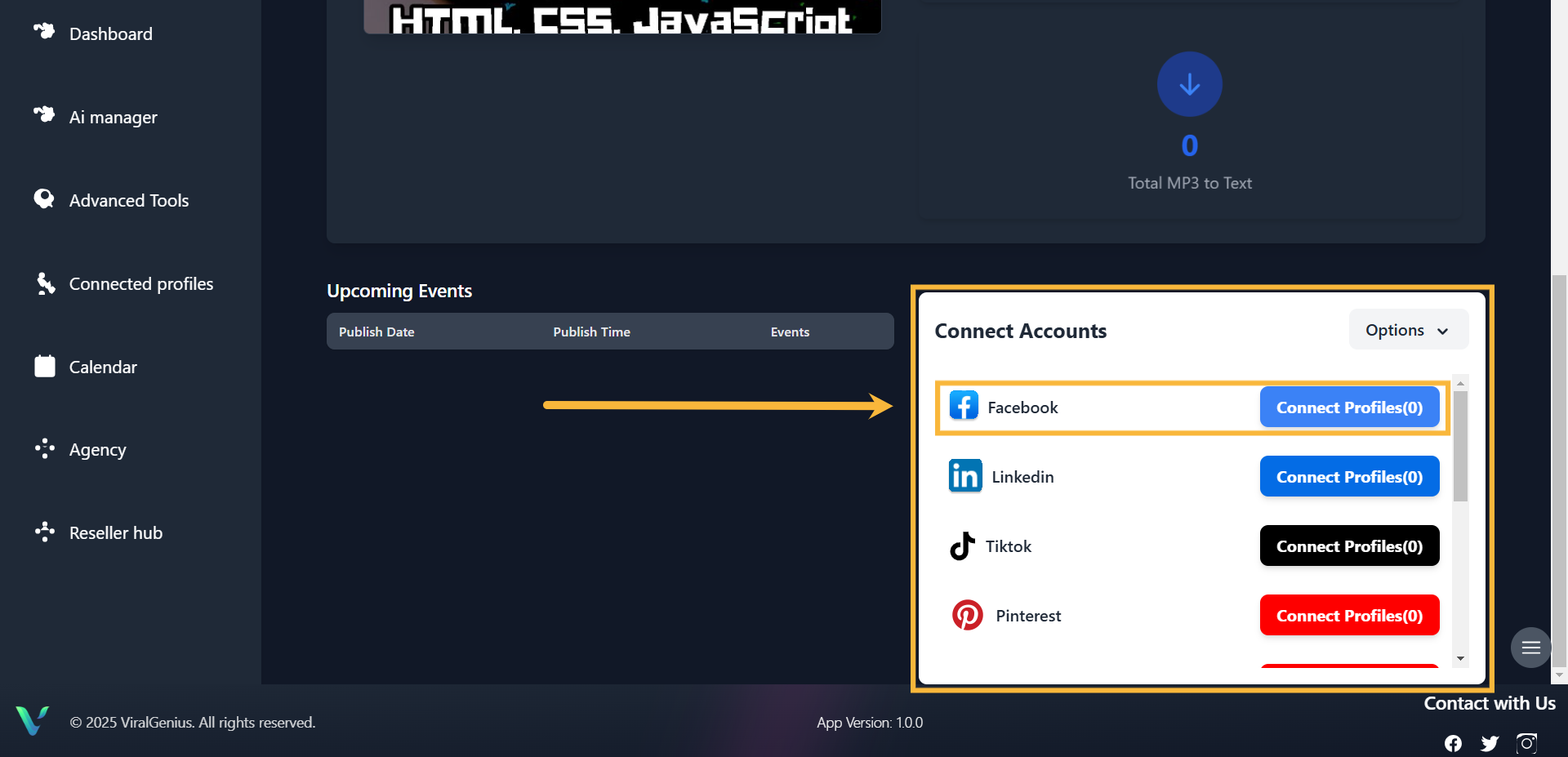
Step #2: Scroll down your dashboard, you’ll see all the profiles and select Facebook, then click on Connect Profile
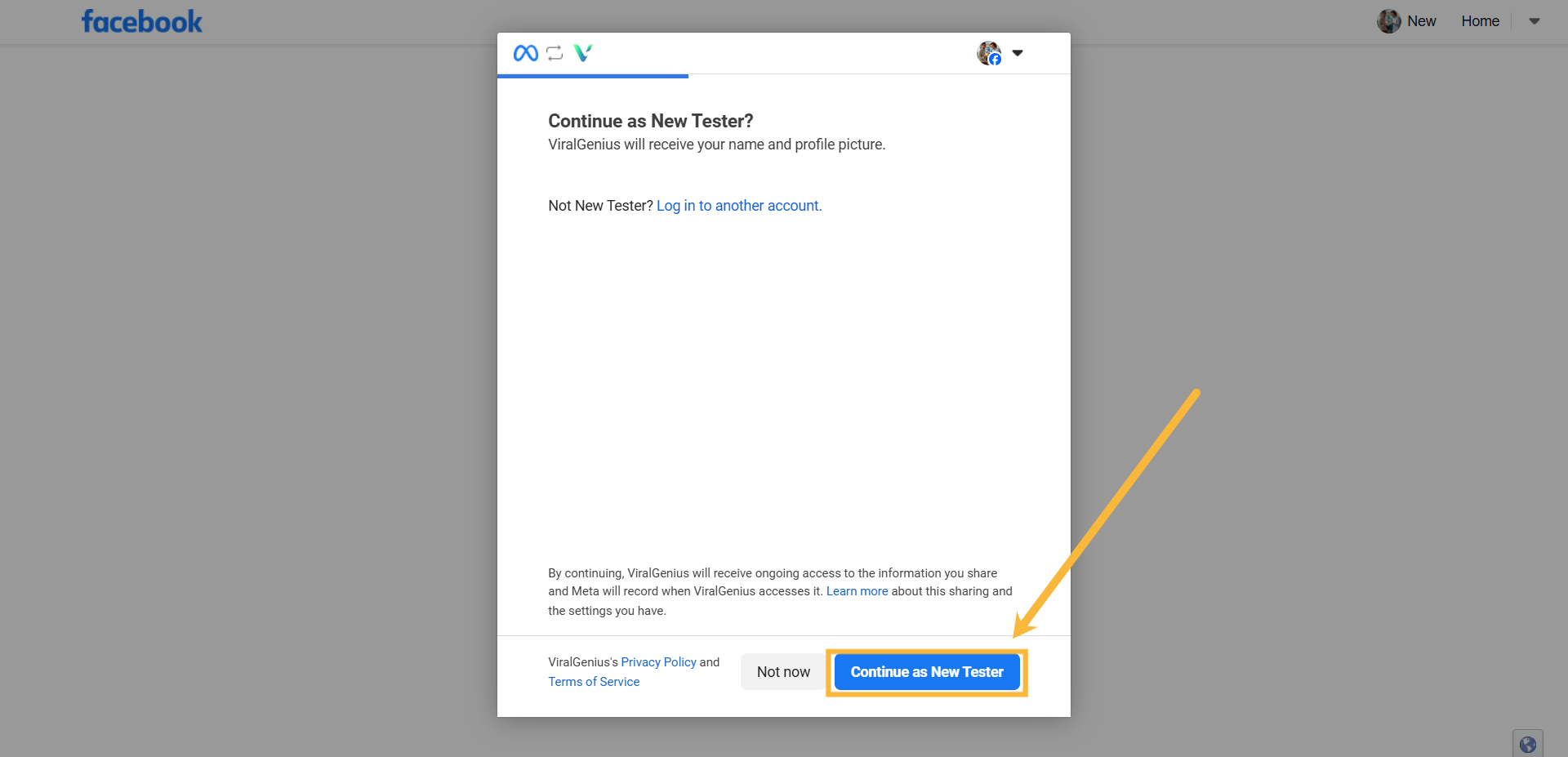
Step #3: Click on Continue
Step #4: Choose the Pages you want ViralGenius to access, then select:
Opt in to all current and future Pages – This will give ViralGenius access to your current Pages, in addition to any Pages that you create in the future.
Opt in to current Pages only – This will only give ViralGenius access to the Pages you select. If you have more pages, it will appear here for you to select
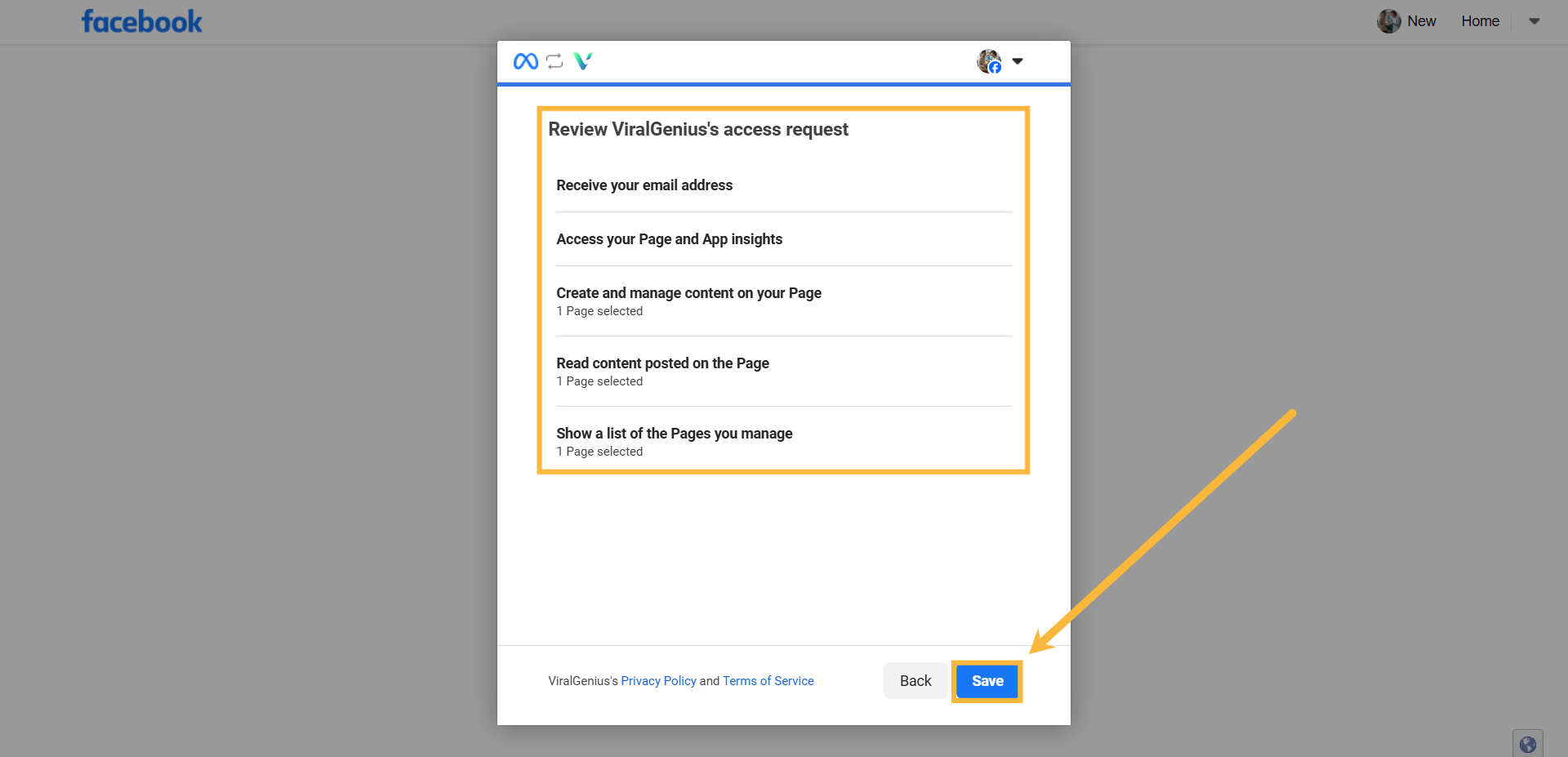
Step #5: Review ViralGenius’s access request and click on Save
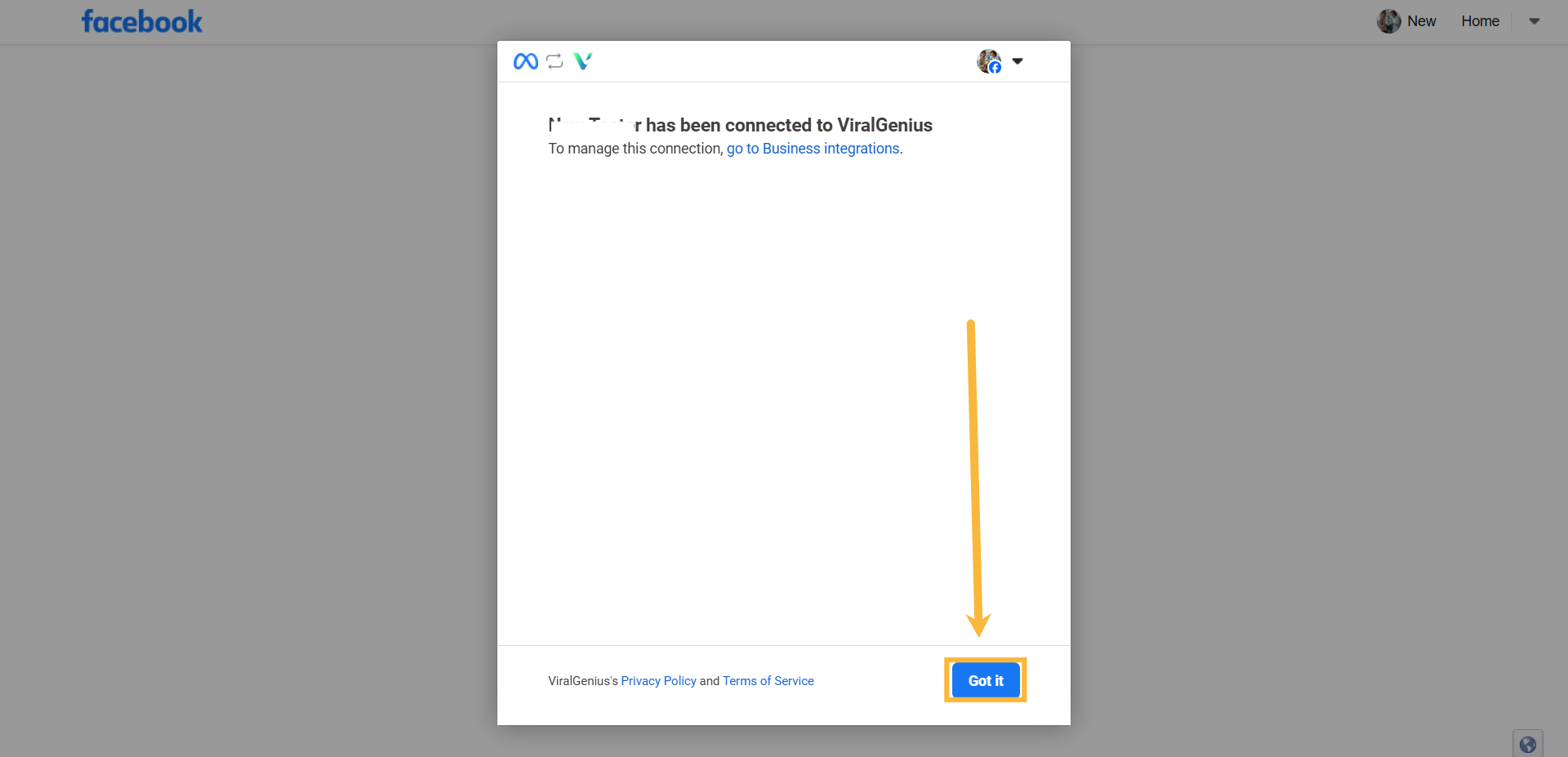
Step #6: Your Facebook profile has been connected to ViralGenius