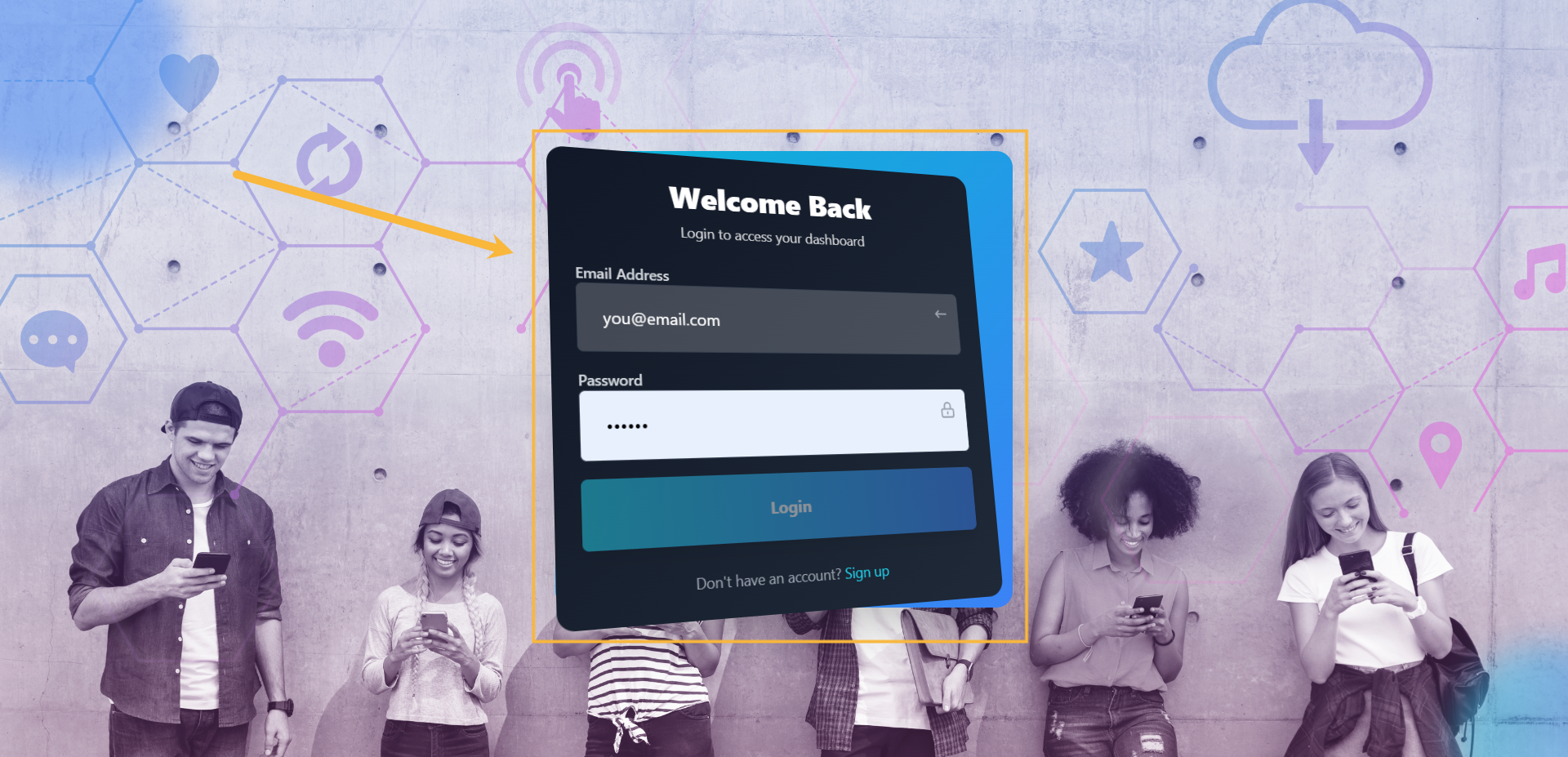
Step#1: Login to your account
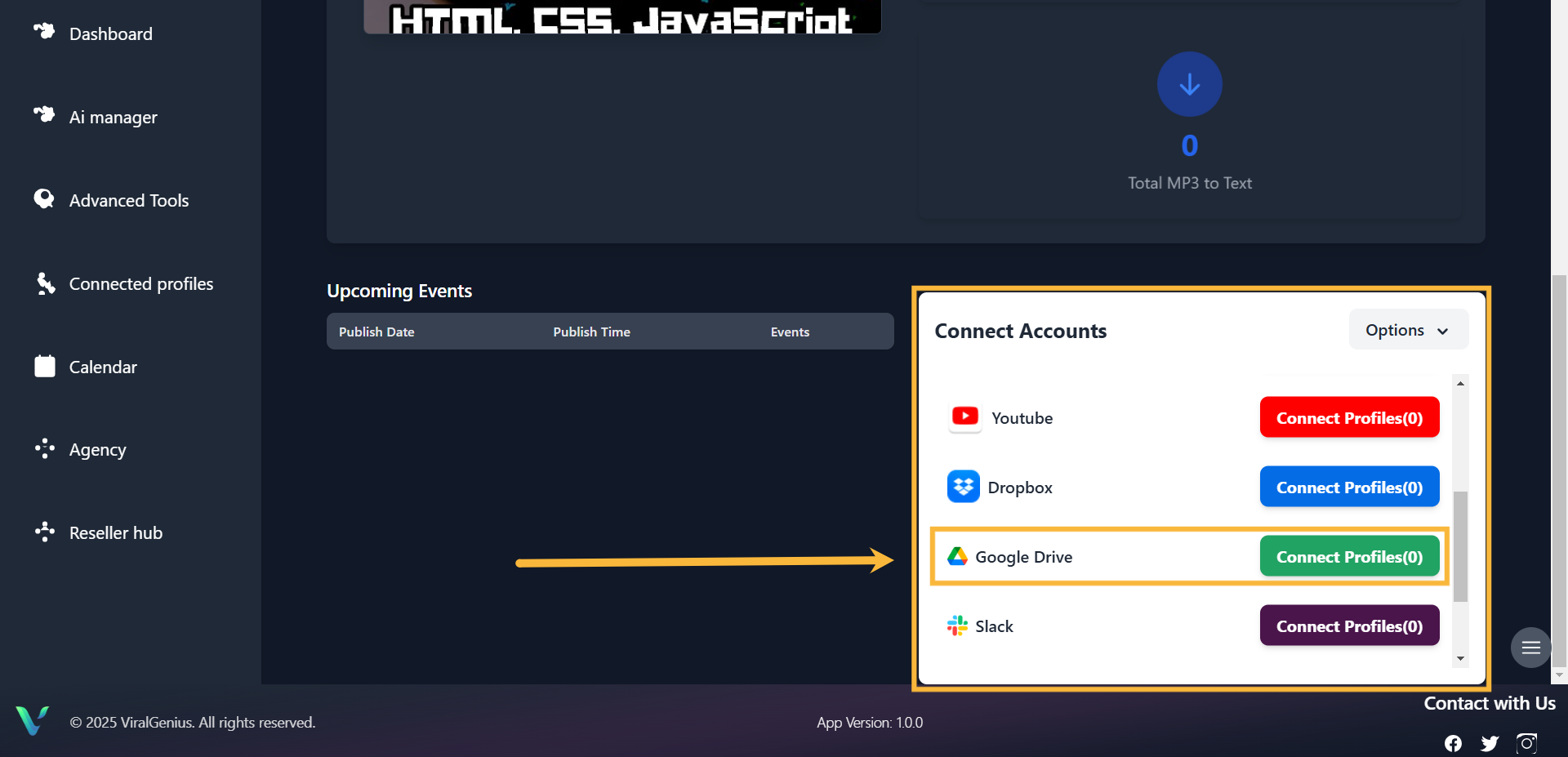
Step #2: Scroll down your dashboard, you’ll see all the profiles and select Google Drive, then click on Connect Profile
Step #3: Choose your Gmail account, then Click On Continue
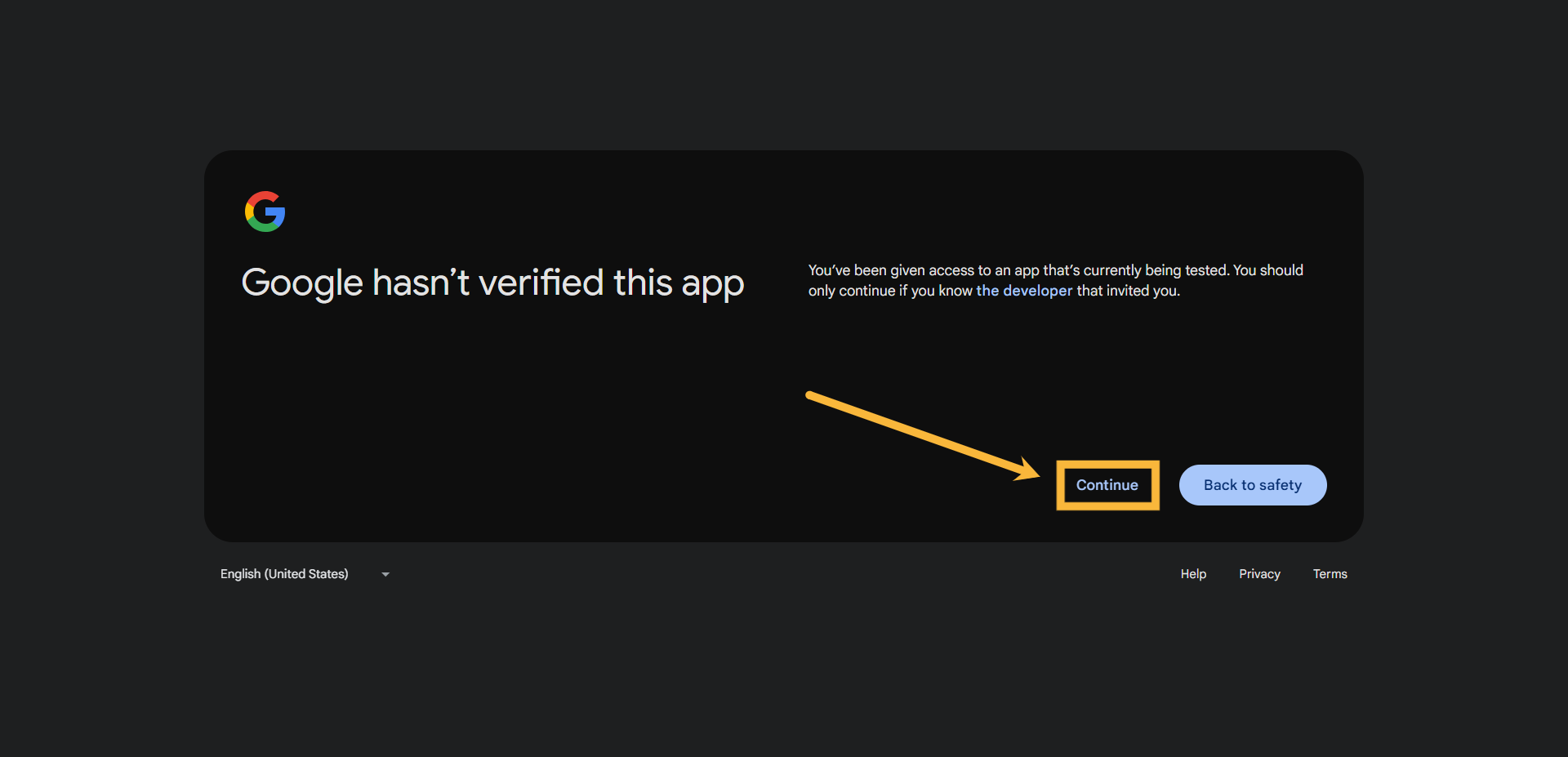
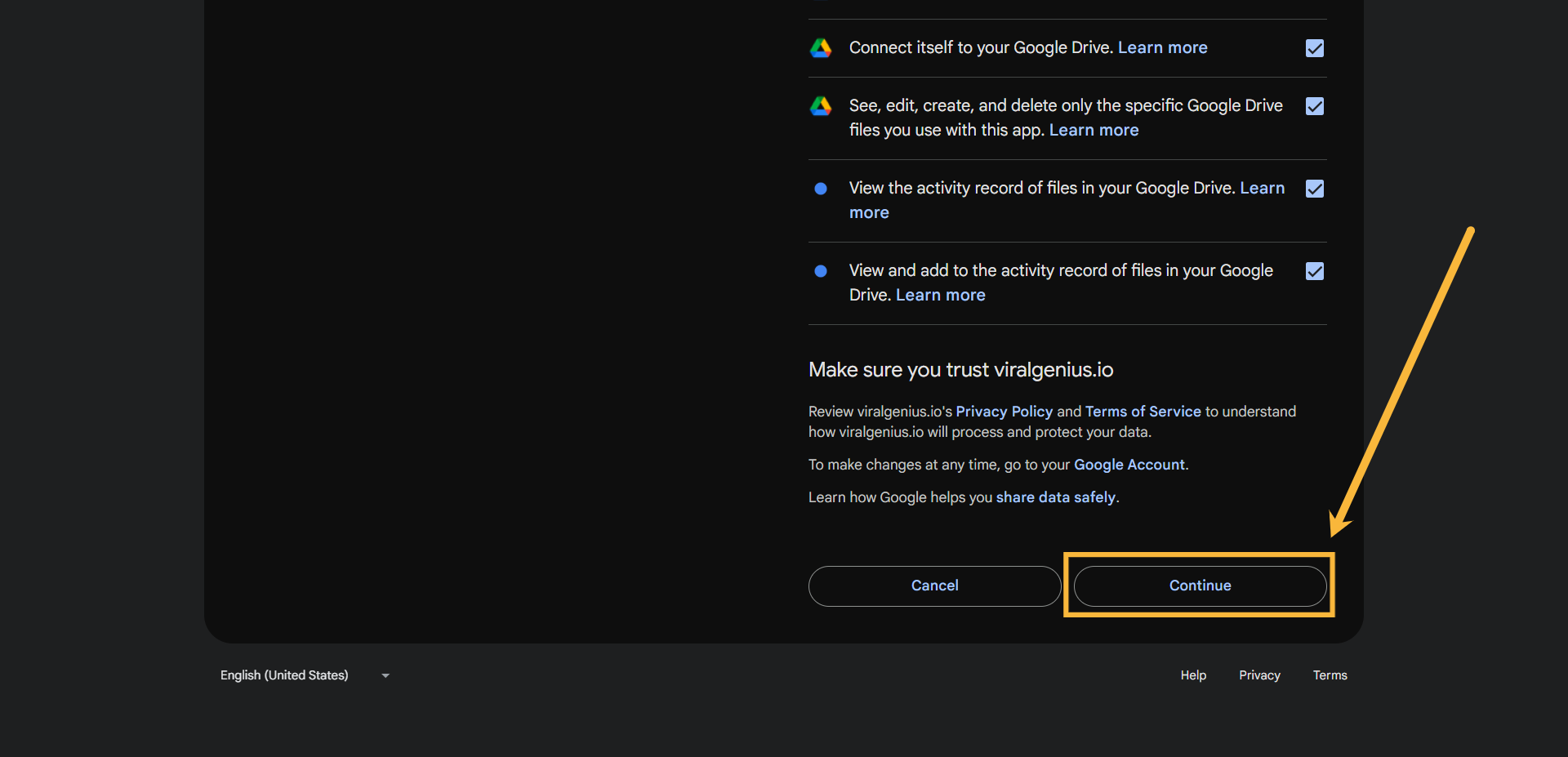
Step #4: Select what viralgenius.io can access in your Google Drive account, scroll down the page, and click on Continue
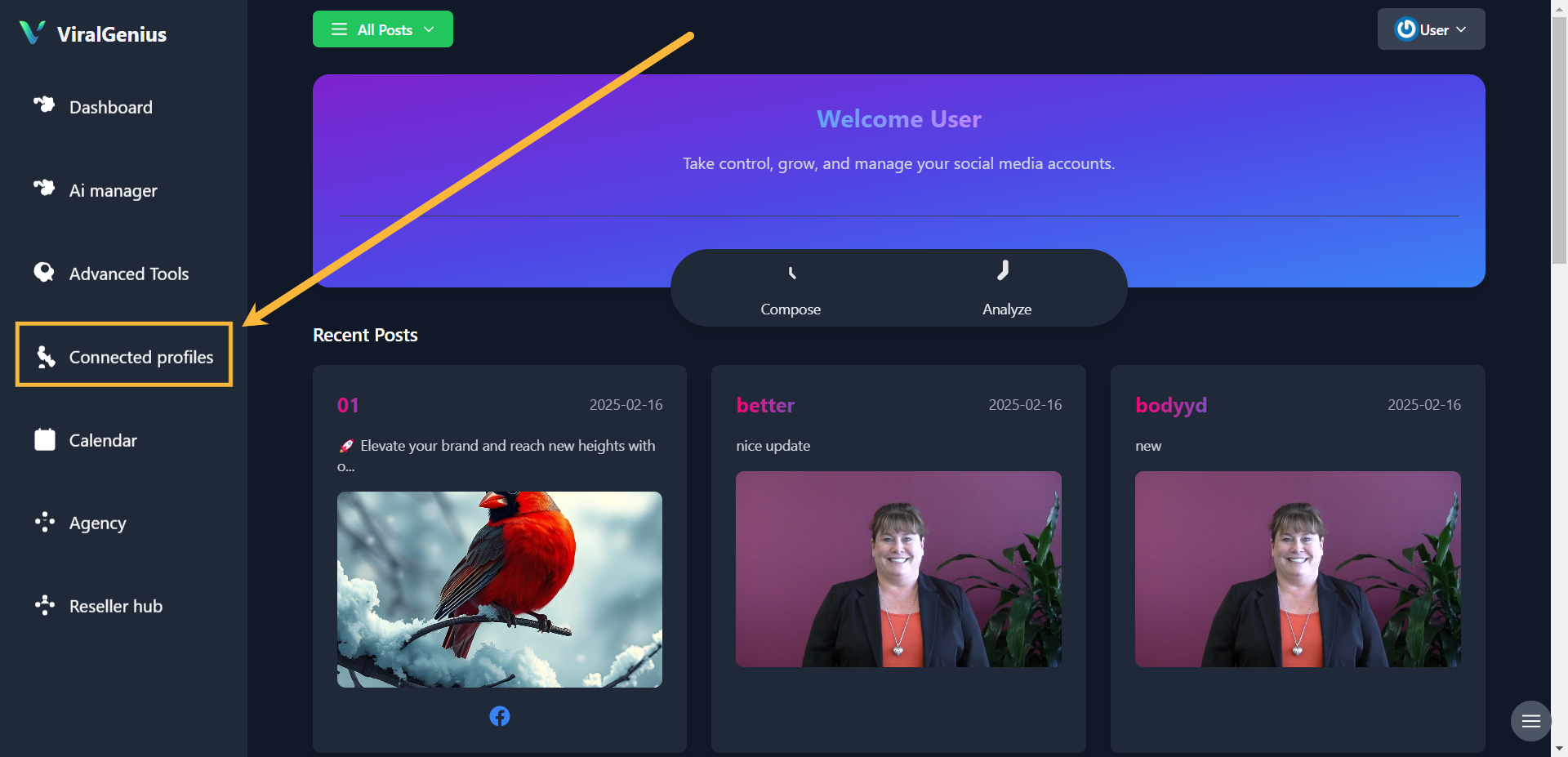
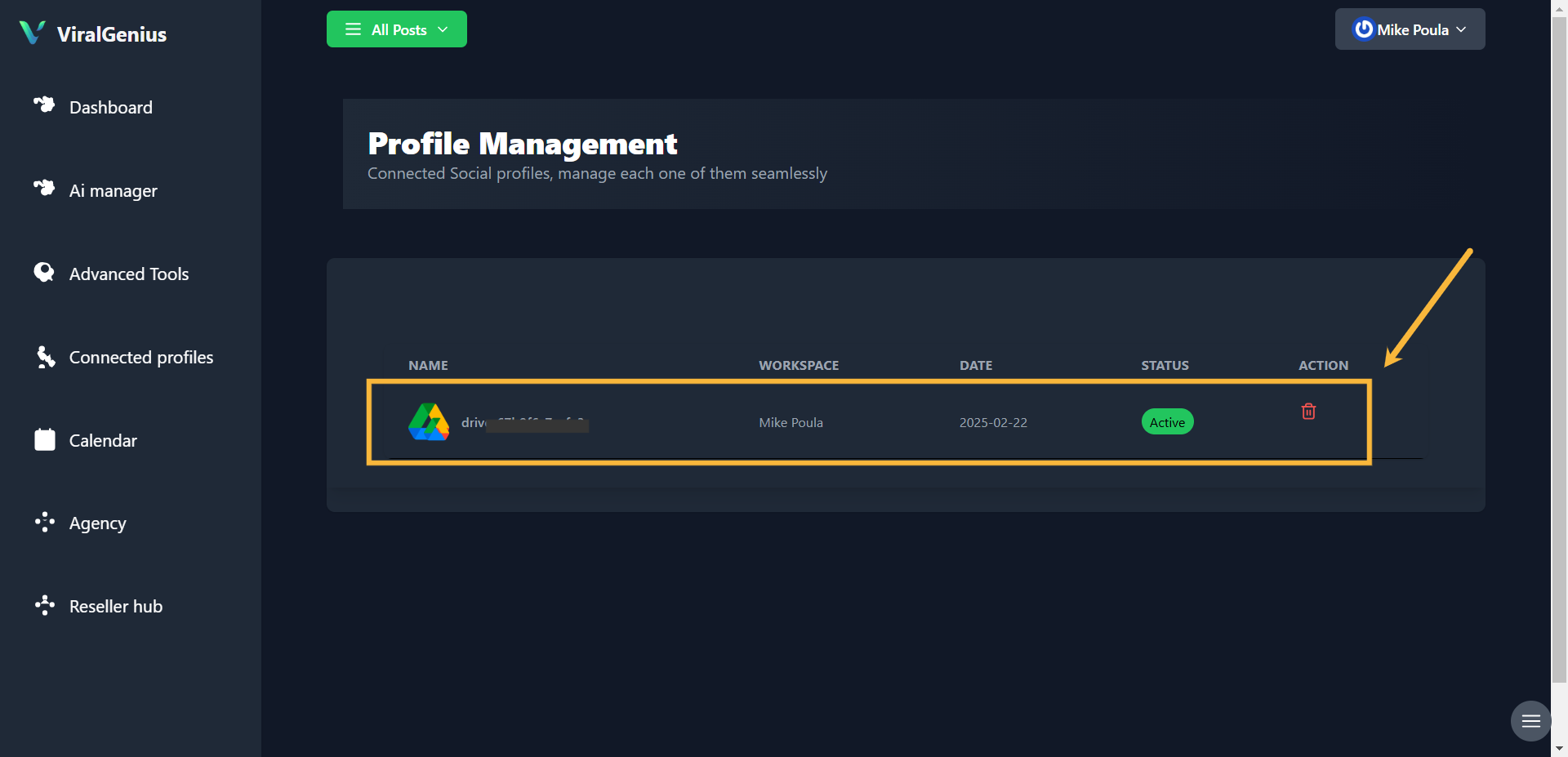
Step #5: Go to Connected Profiles, there you’ll see your Connected YouTube account