In this tutorial, I’ll walk you through how to connect your LinkedIn account to ViralGenius
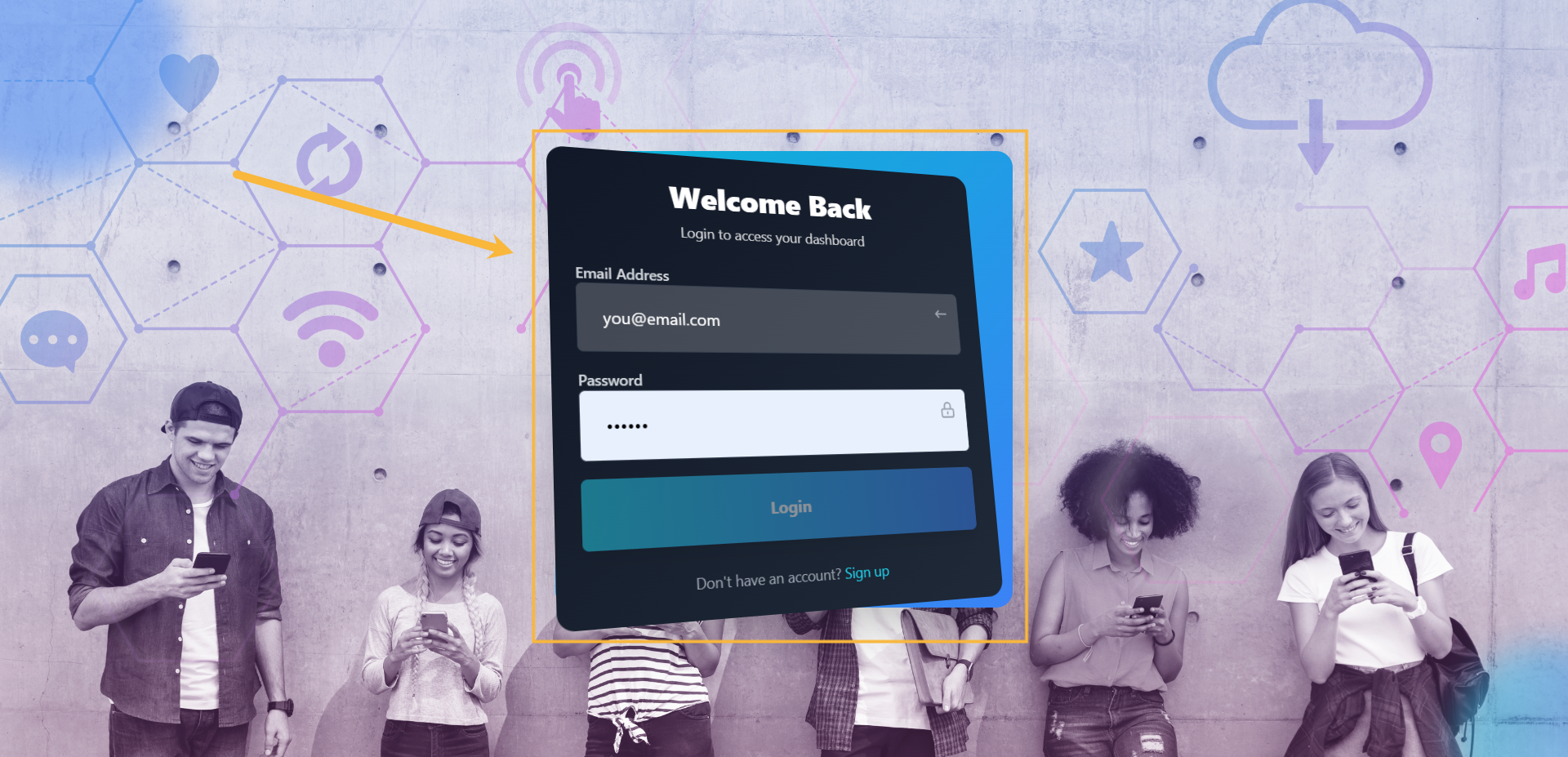
Step#1: Login to your account
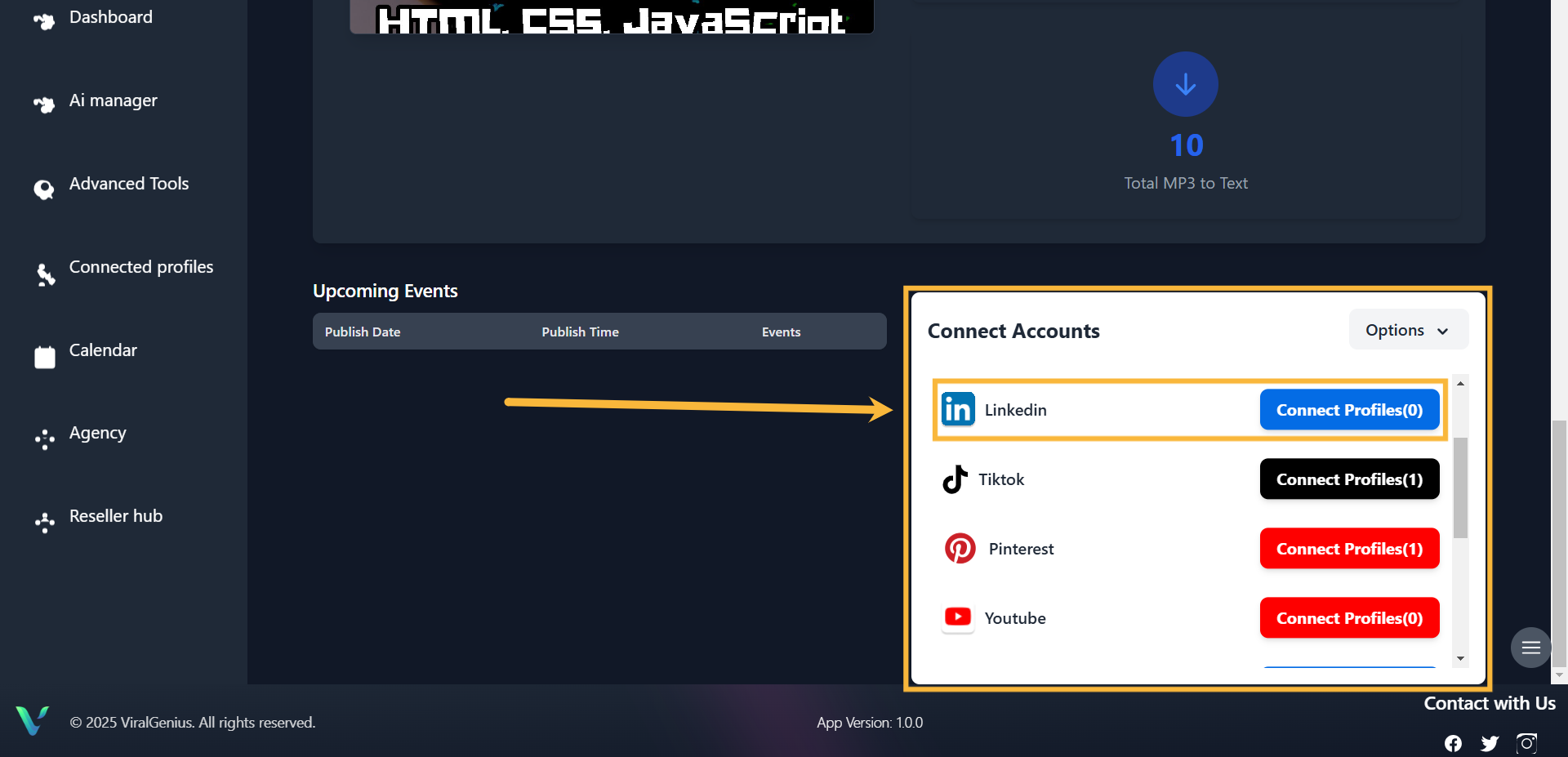
Step #2: Scroll down your dashboard, you’ll see all the profiles and select LinkedIn, then click on Connect Profile
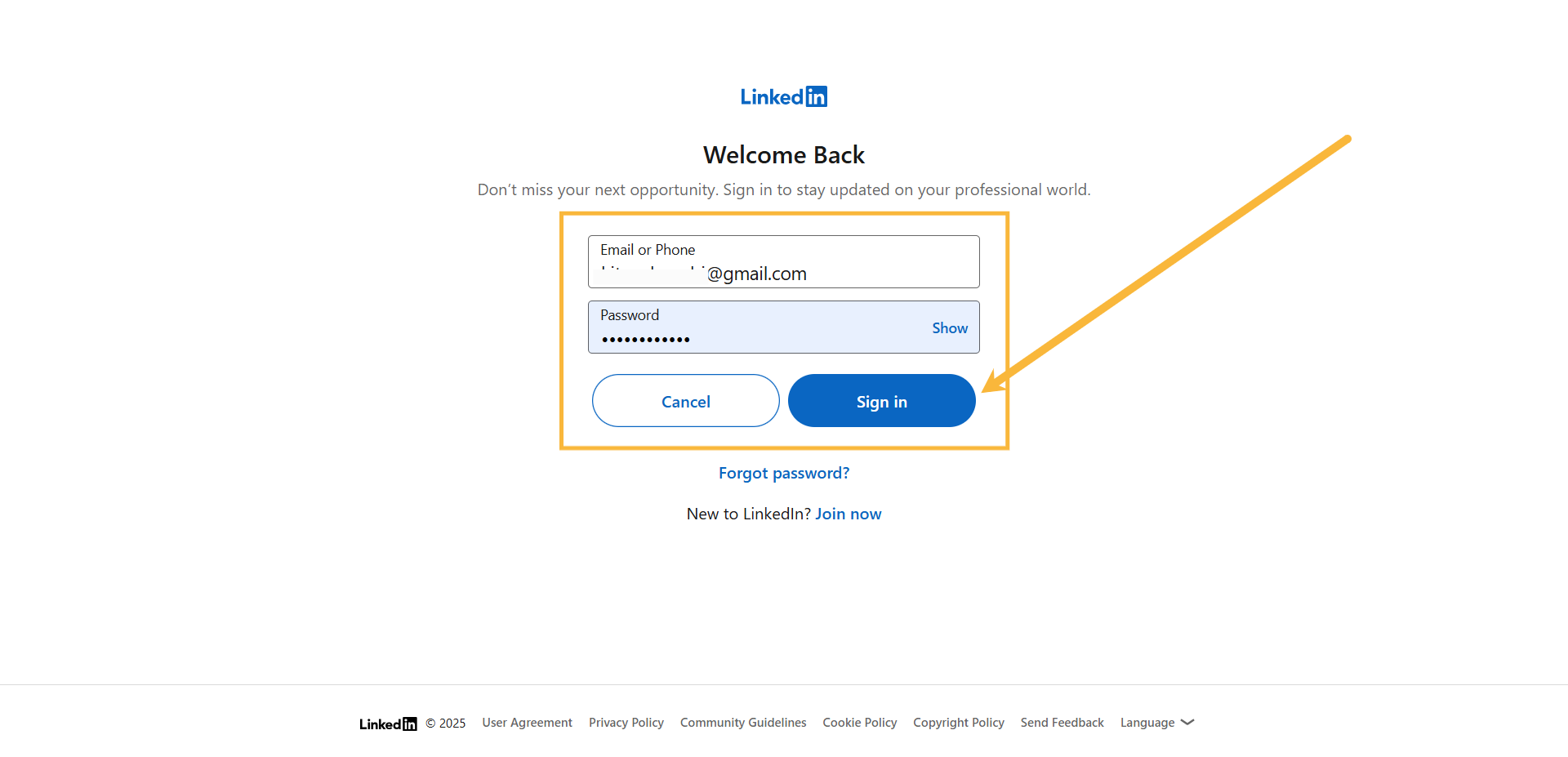
Step #3: Enter your Login details and Sign in to your LinkedIn account
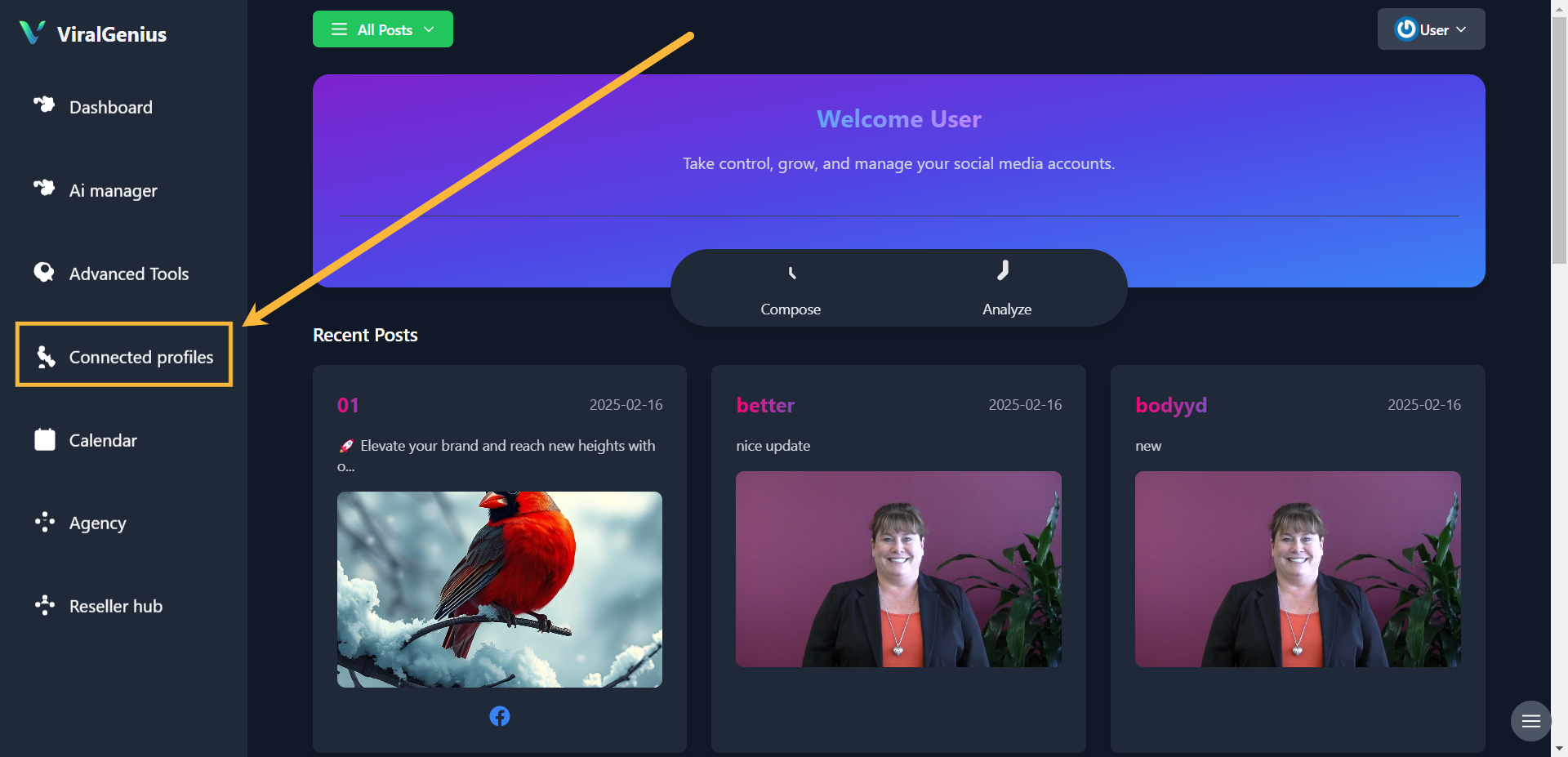
Step #4: Go to Connected Profiles, there you’ll see your Connected LinkedIn account
I hope this was helpful