In this tutorial, I’ll show you how to use the Image to Text tool
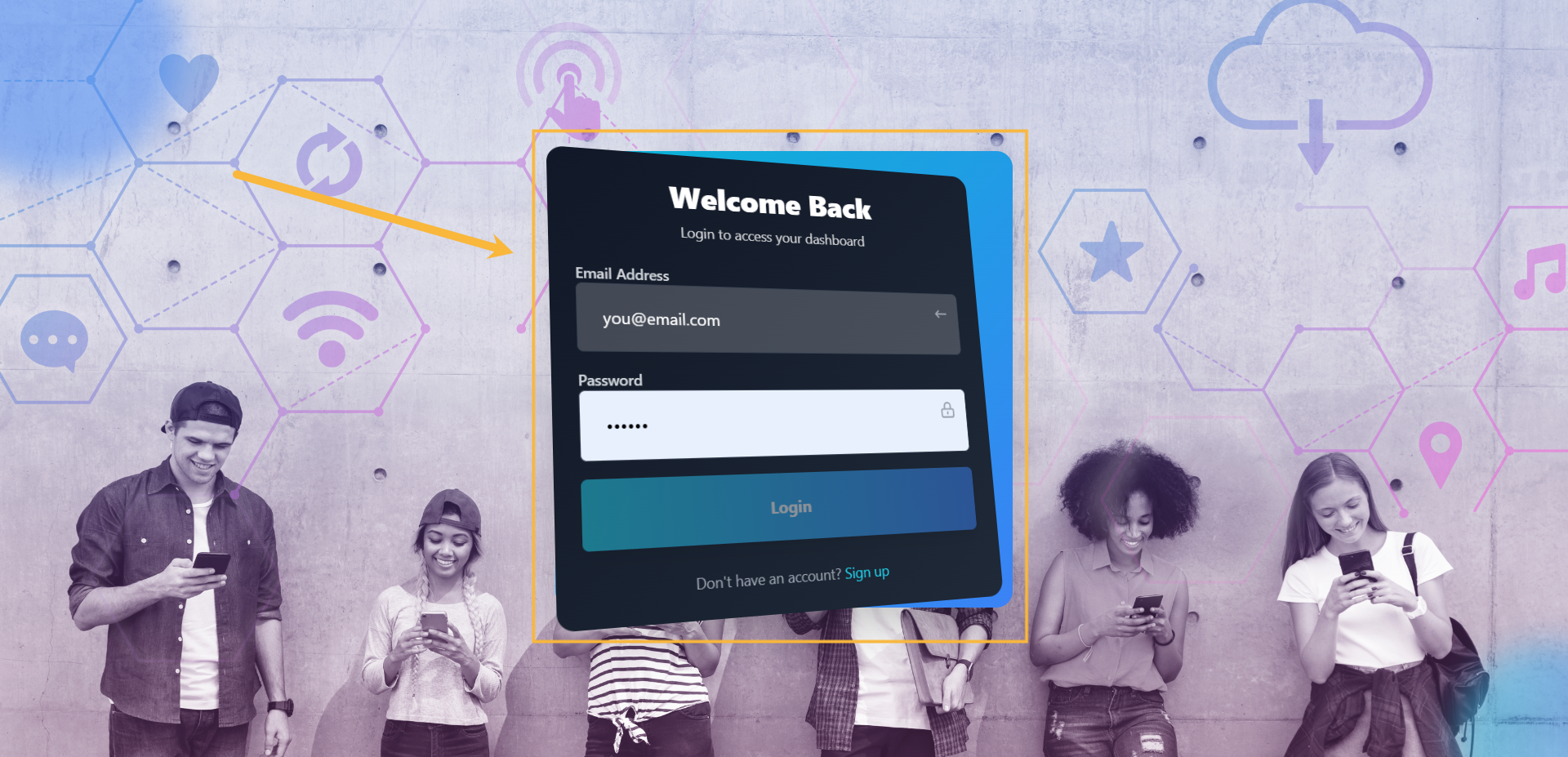
Step#1: Log in to your account
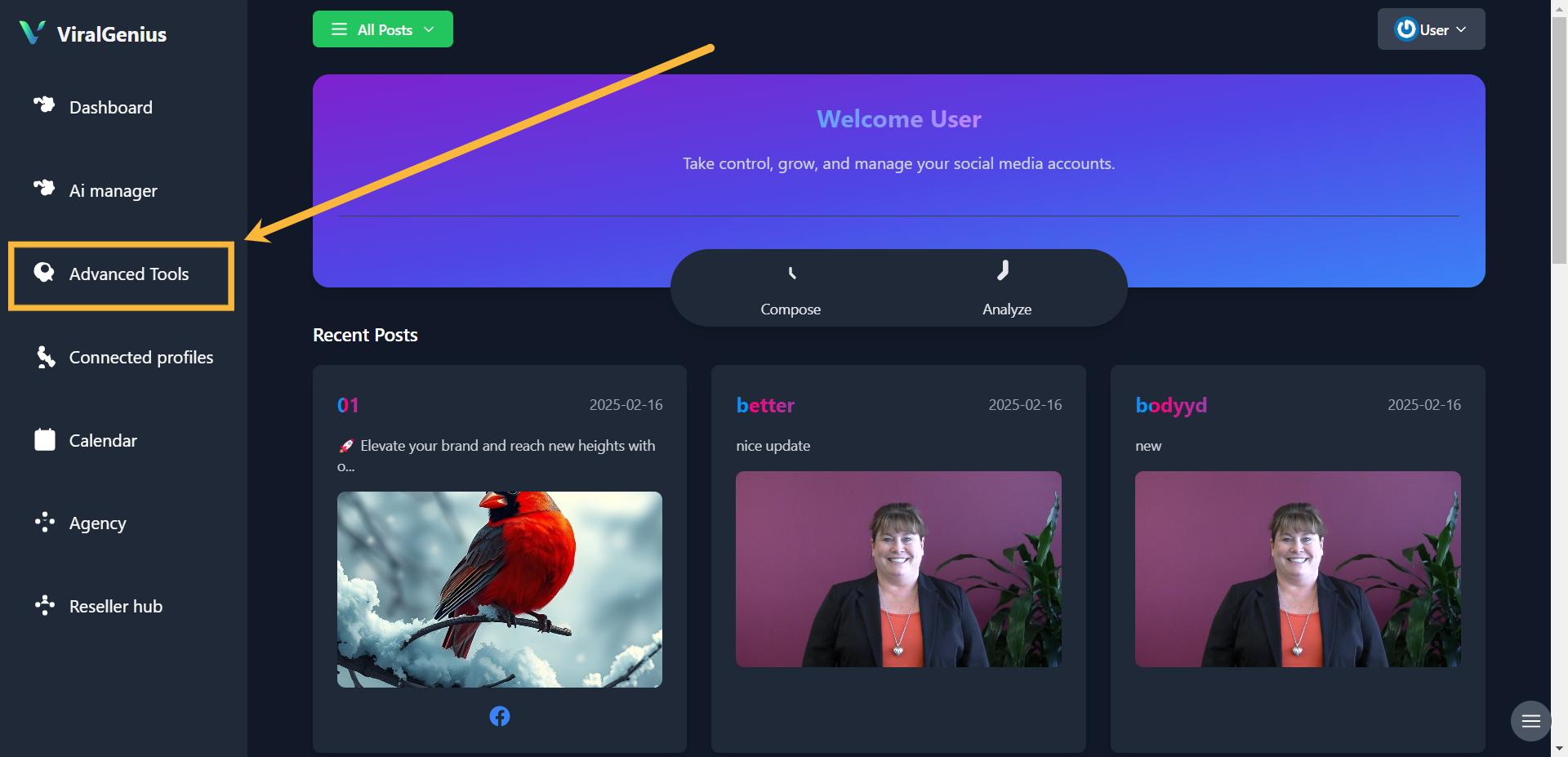
Step #2: Click on Advanced Tools
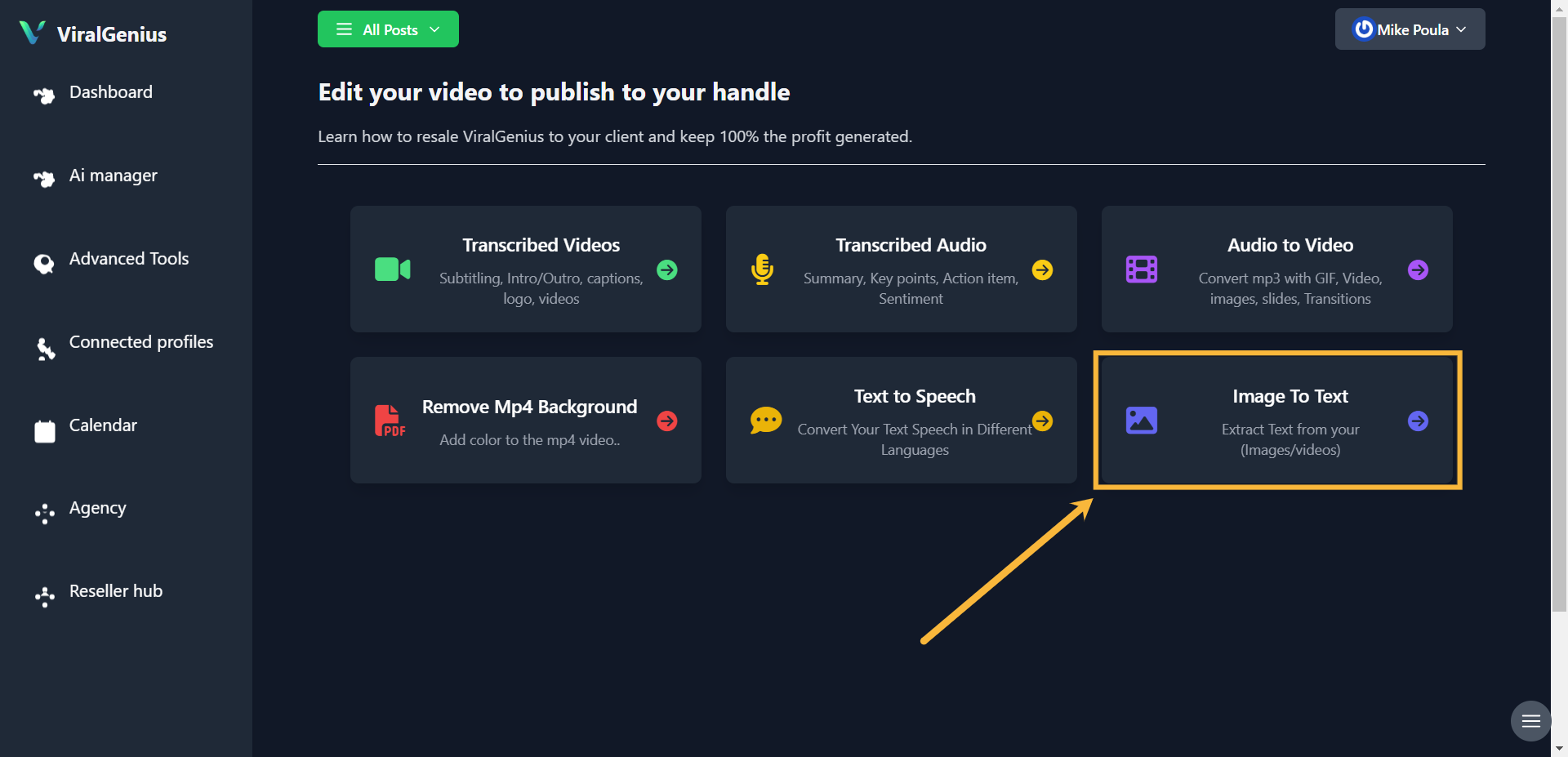
Step #3: Click on Image to text
Step #4: Enter your image link, attach the document PDF, upload image from your local storage or capture using your system camera, after that click on Scrape
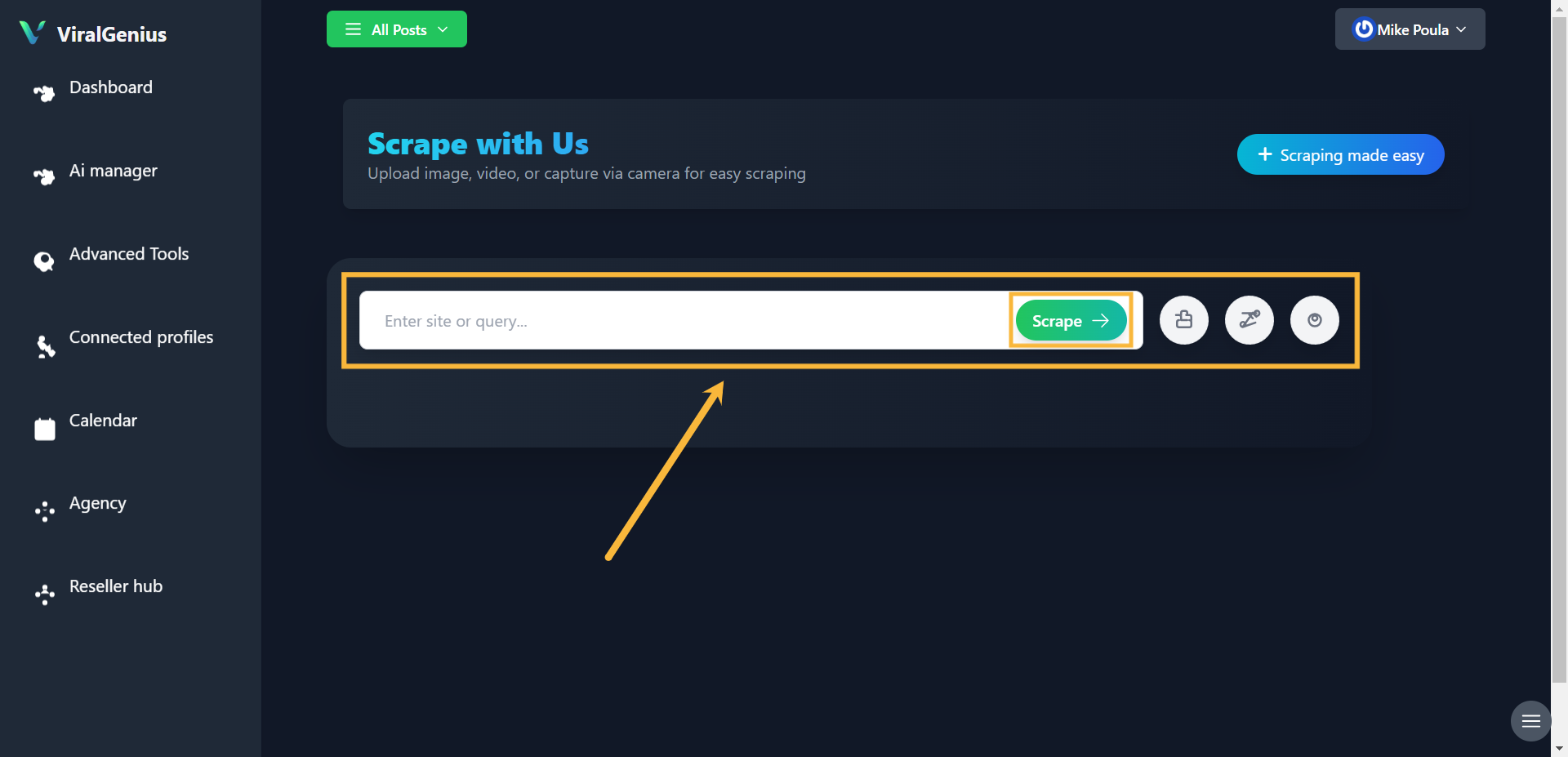
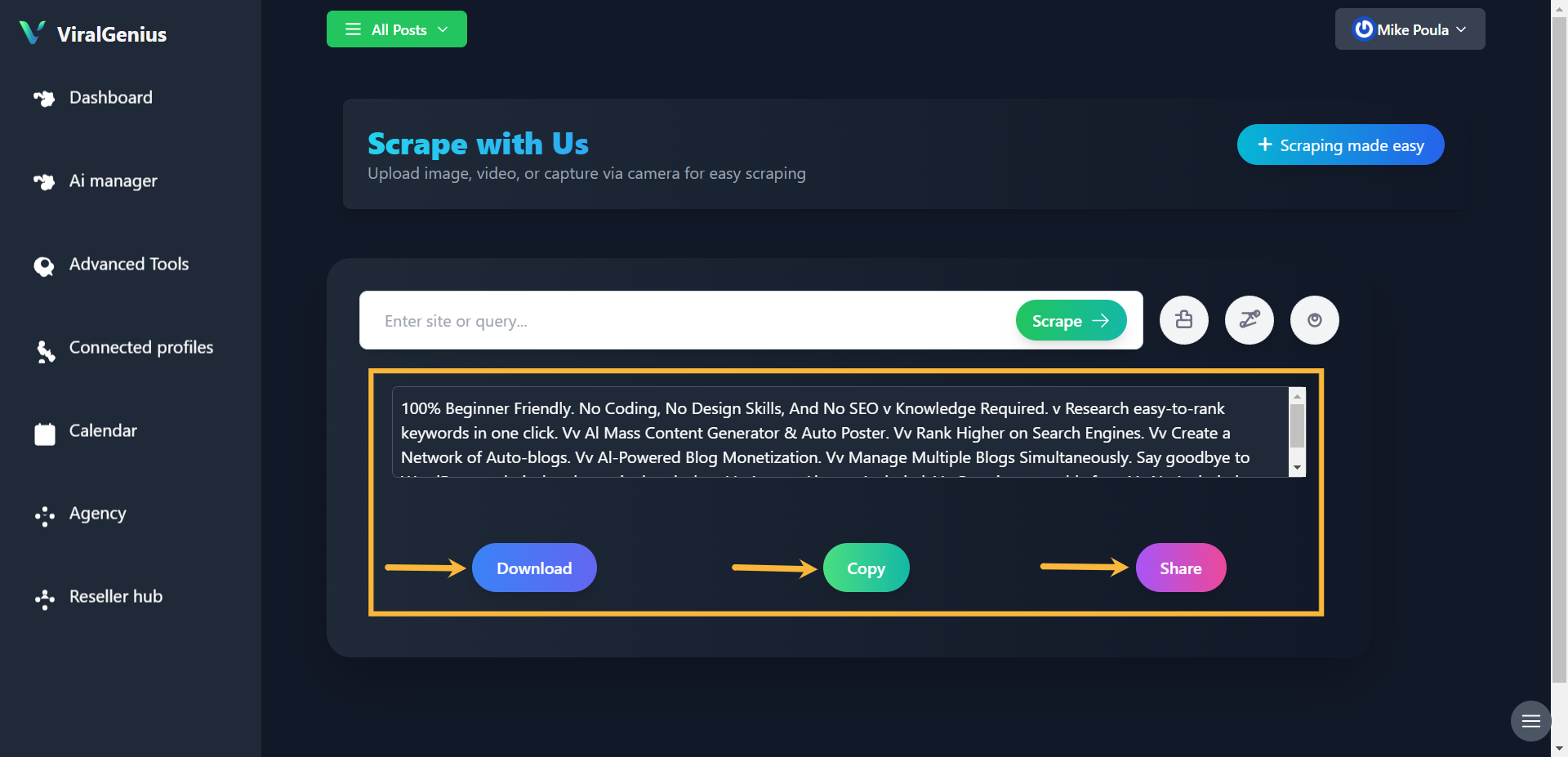
And here you have the text scraped out of the image
I hope this was helpful