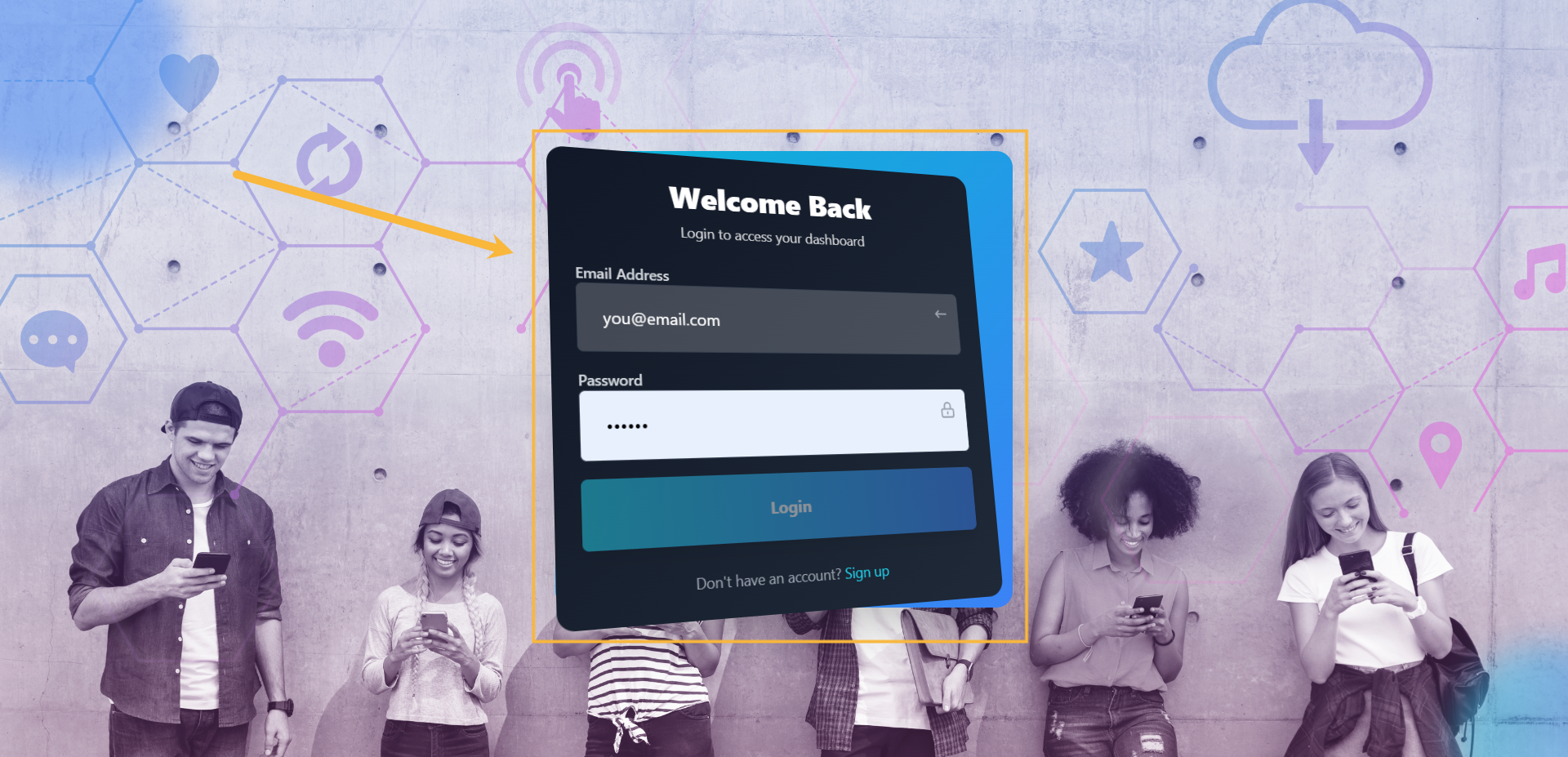
Step#1: Login to your account
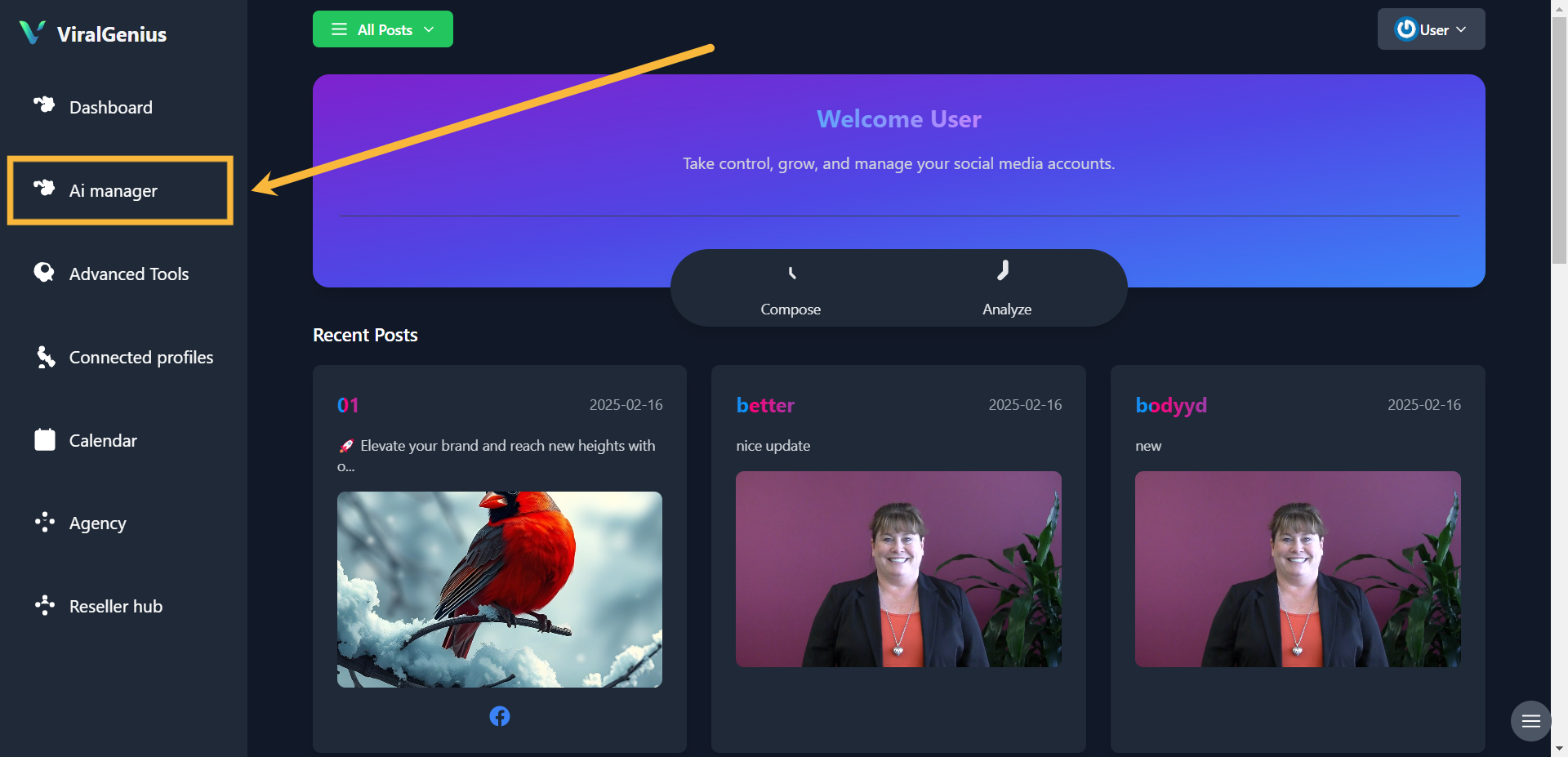
Step #2: Click on AI Manager
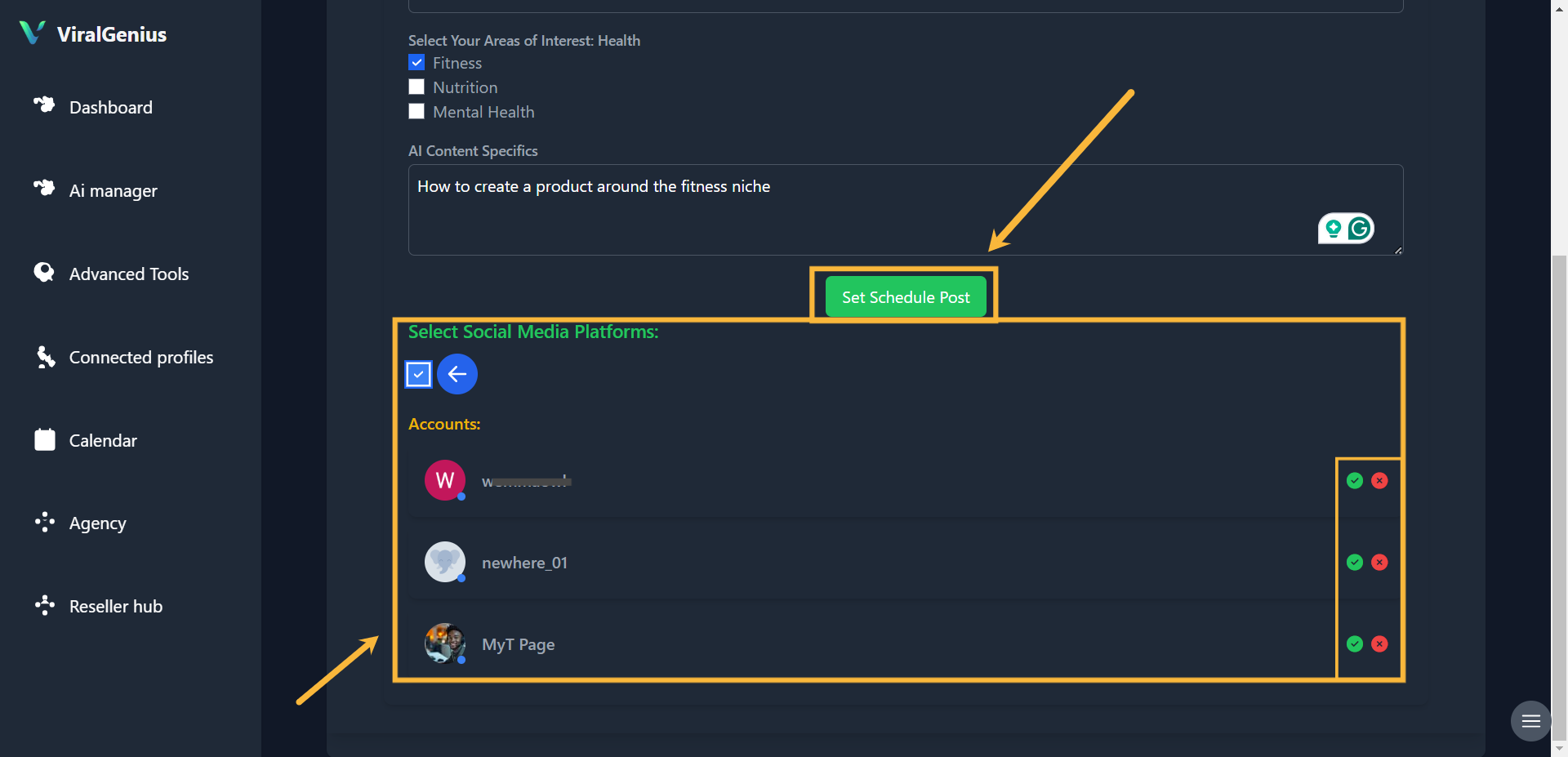
Step #3: Select Your Niche
– Choose your preferred niche or area of interest.
– Provide a brief description of your niche.
– Scroll down and select the social media platforms where you want to publish your content.
Step #4: Select the specific social media profile(s) where the AI should publish your content. Then, click on Set Schedule Post.
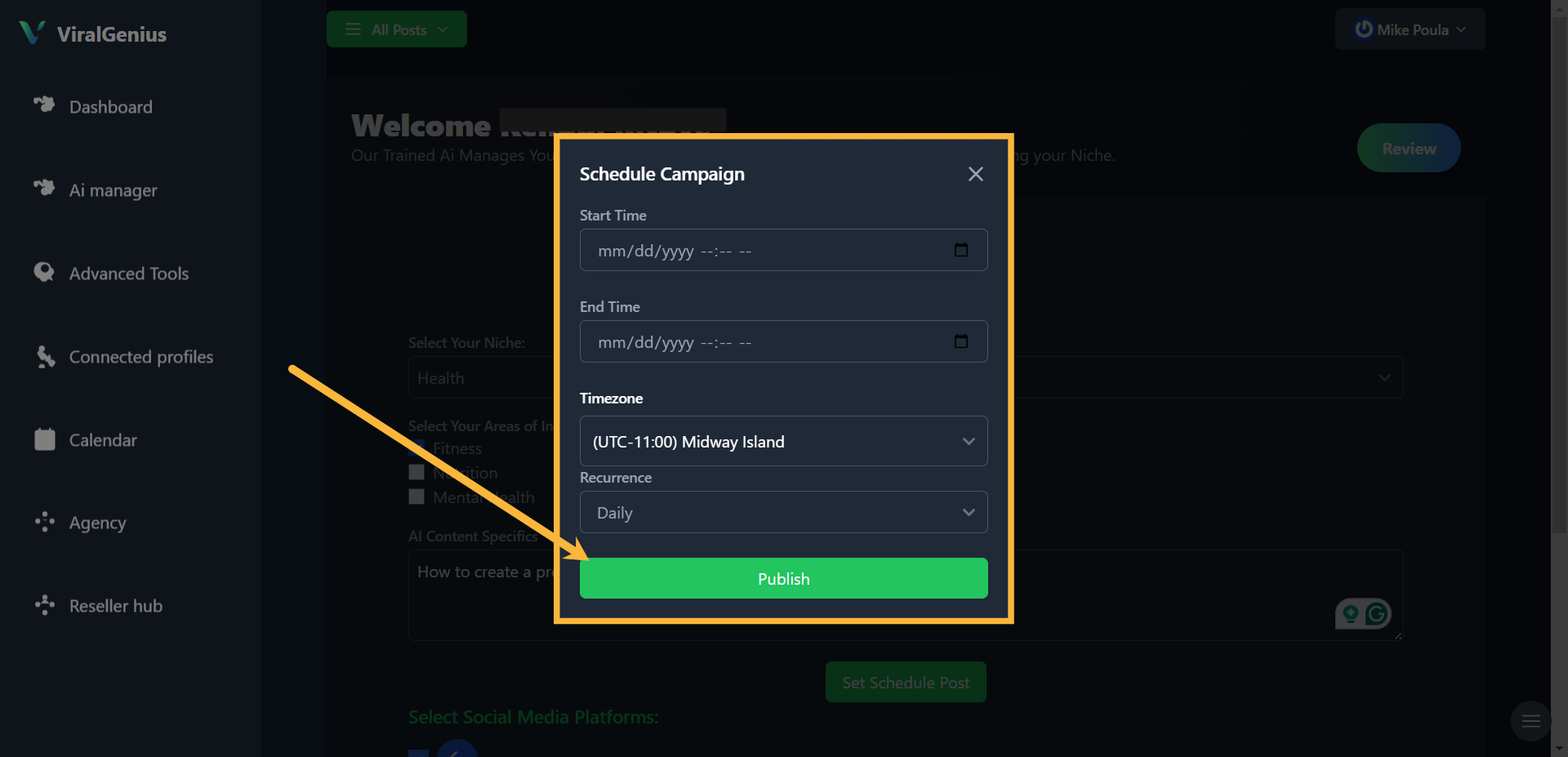
Step #5: Set the Schedule
– Enter the start date and end date for your scheduled posts.
– Select your time zone and set the recurrence if needed.
– Click on Publish to confirm.
Step #6: Review & Edit (Optional)
Two hours before the scheduled posting time, return to the AI Manager to preview your AI-generated posts. You can edit the content, replace images, and make any final adjustments.
I hope this was helpful