Step#1: Login to your account

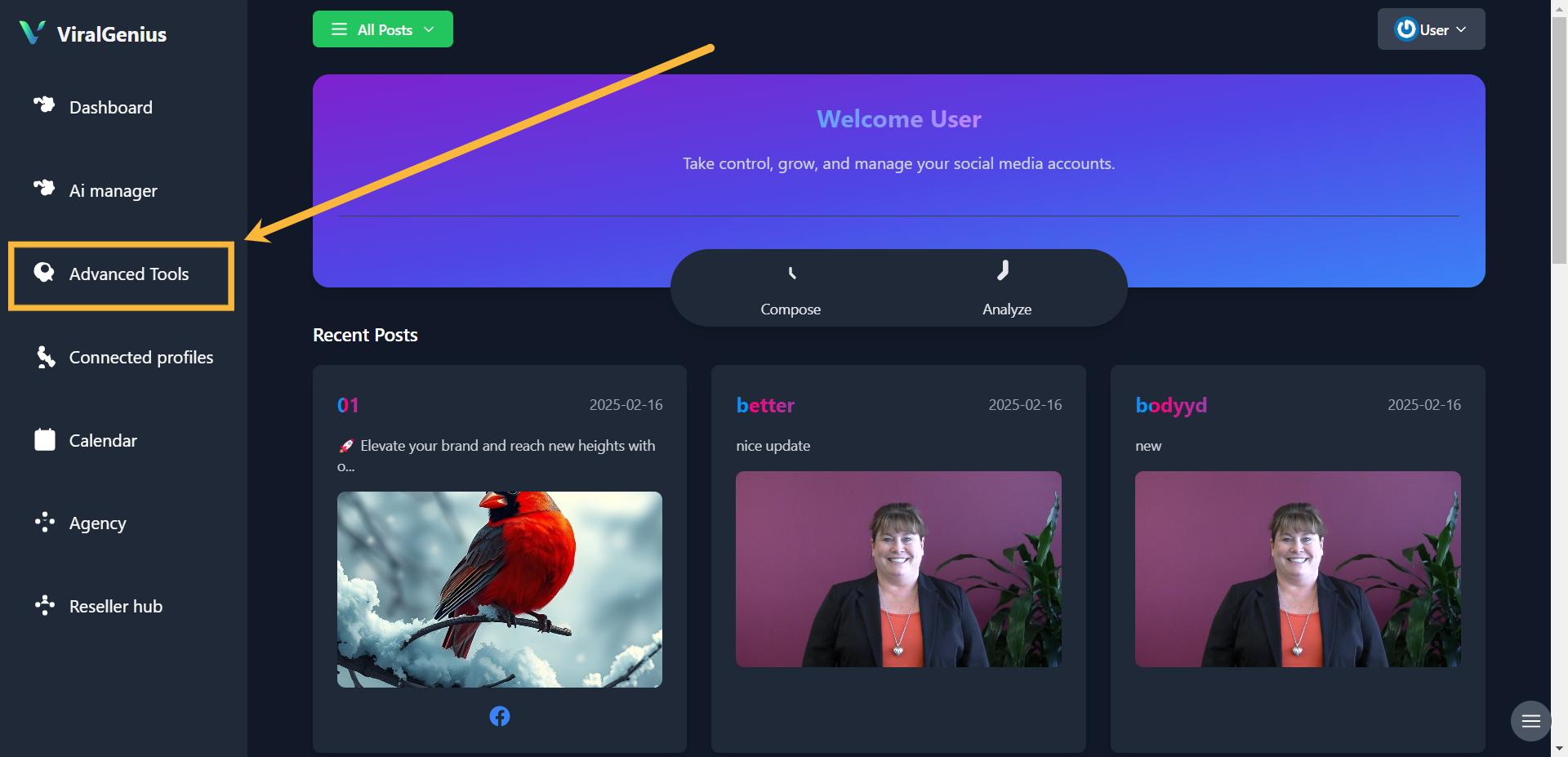
Step #2: Click on Advanced Tools
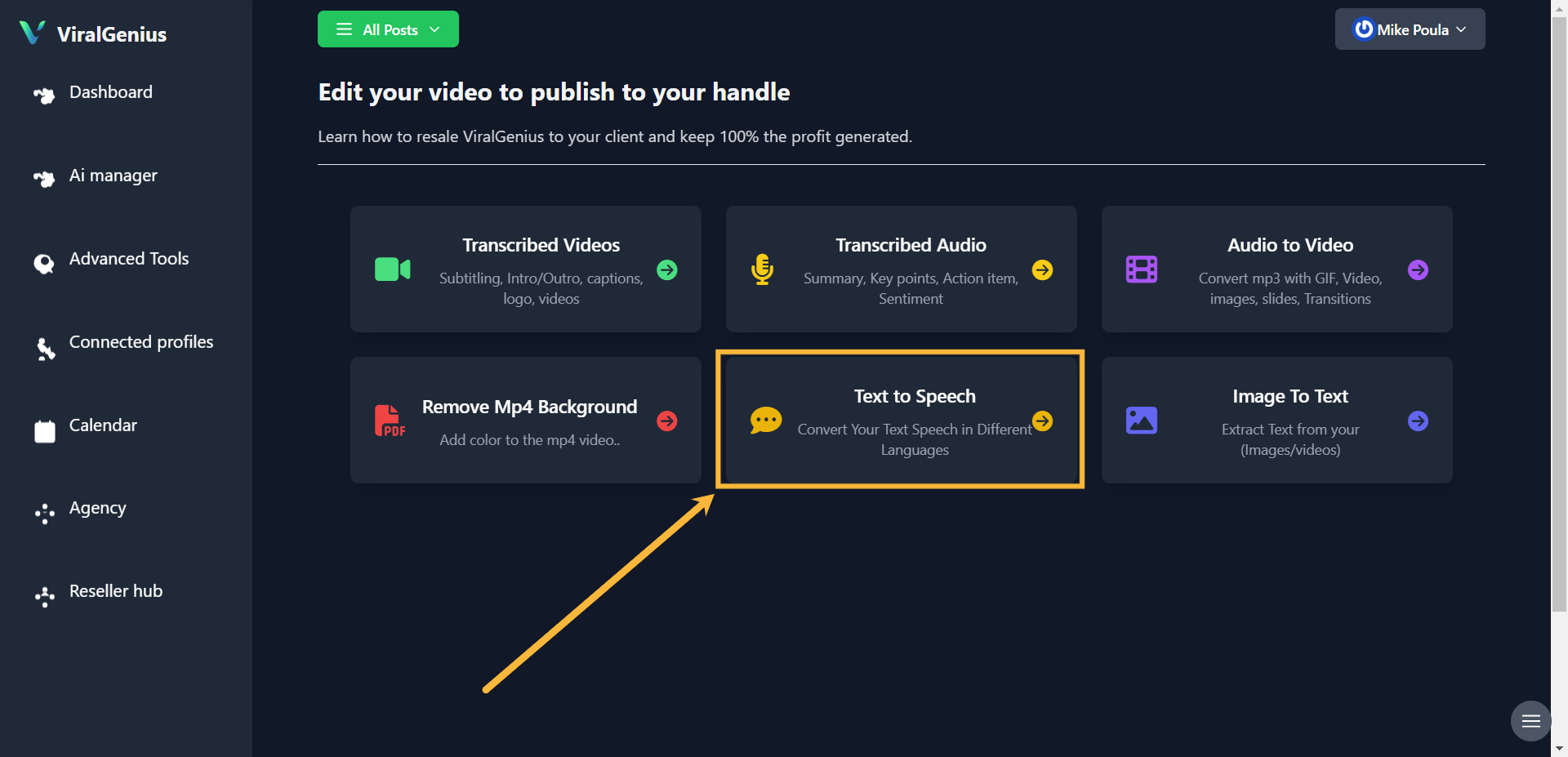
Step #3: Click on Text to Speech
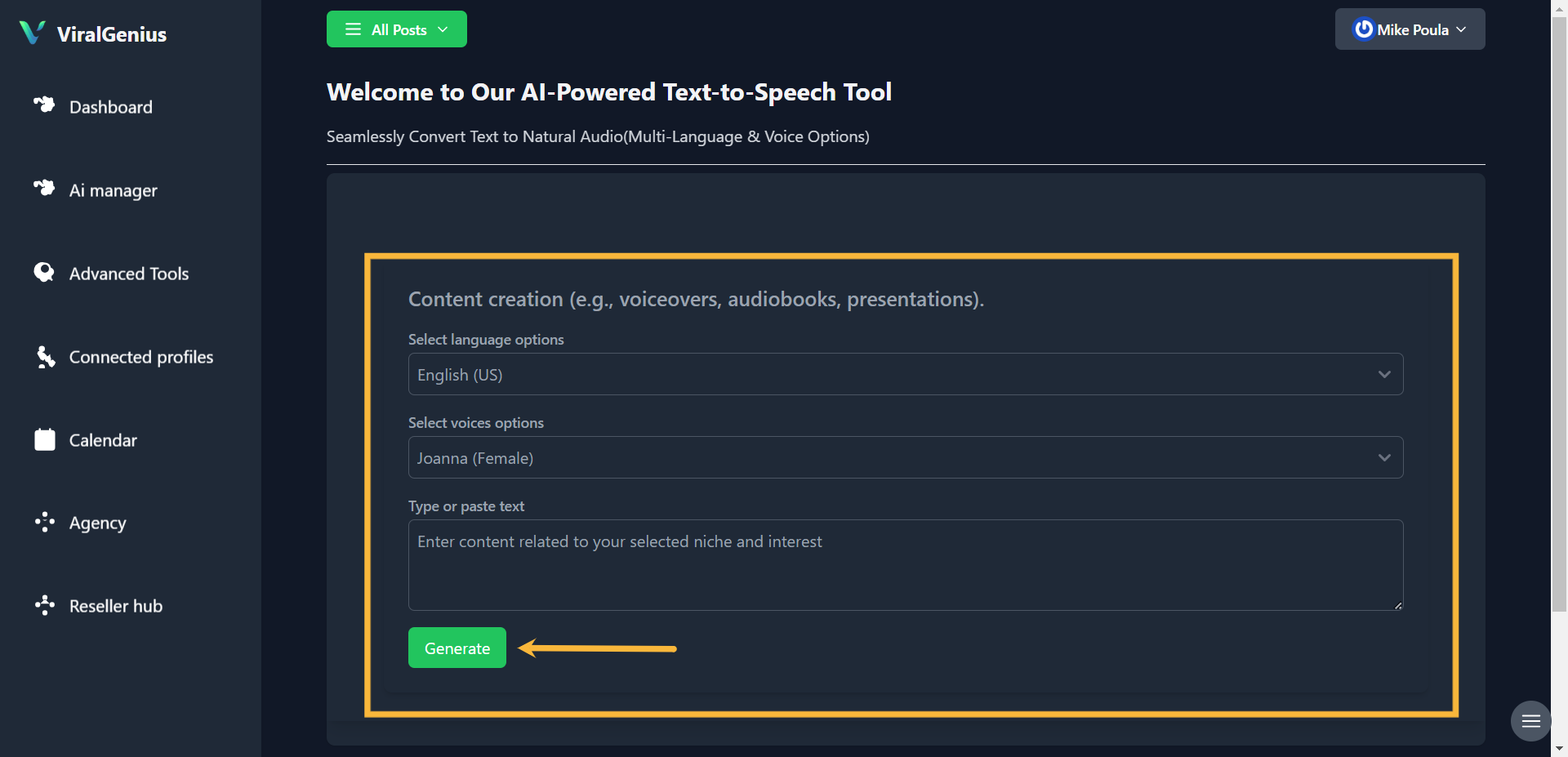
Step #4: Select Language, Voice, then type or paste your text. After that click on Generate
Step #5: Here you have your Audio generated
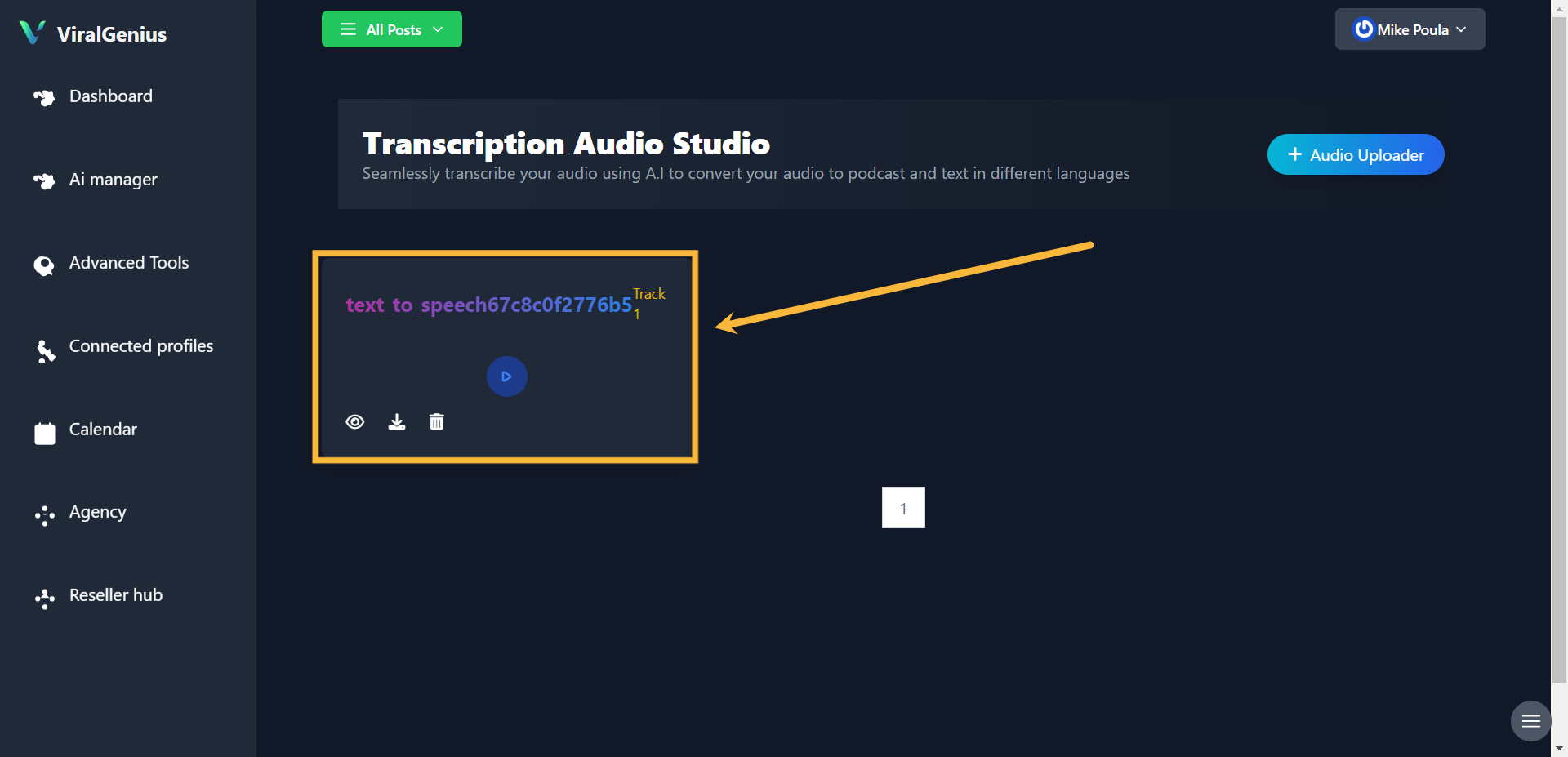
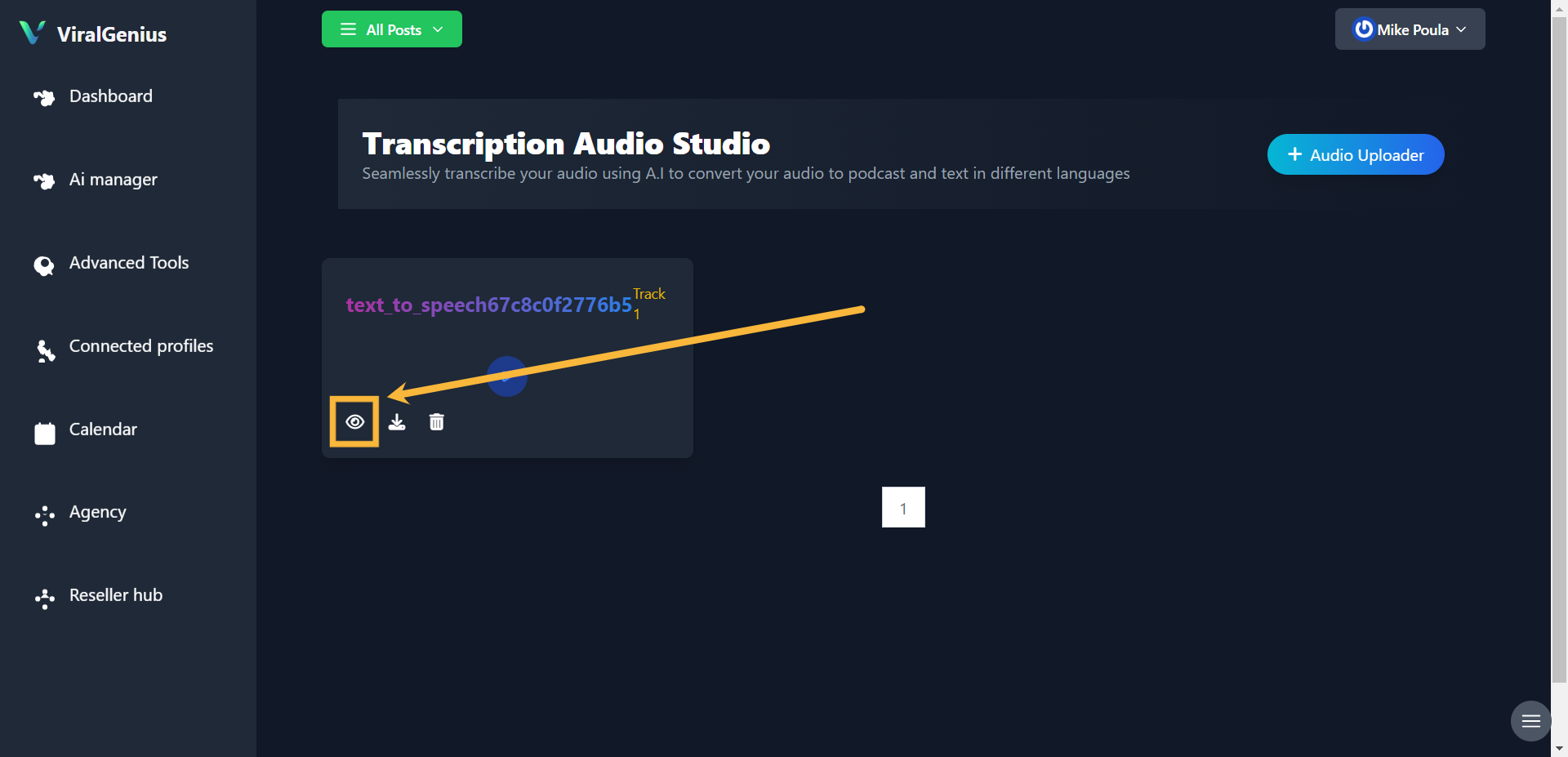
Step #6: Click on the View button to see more options
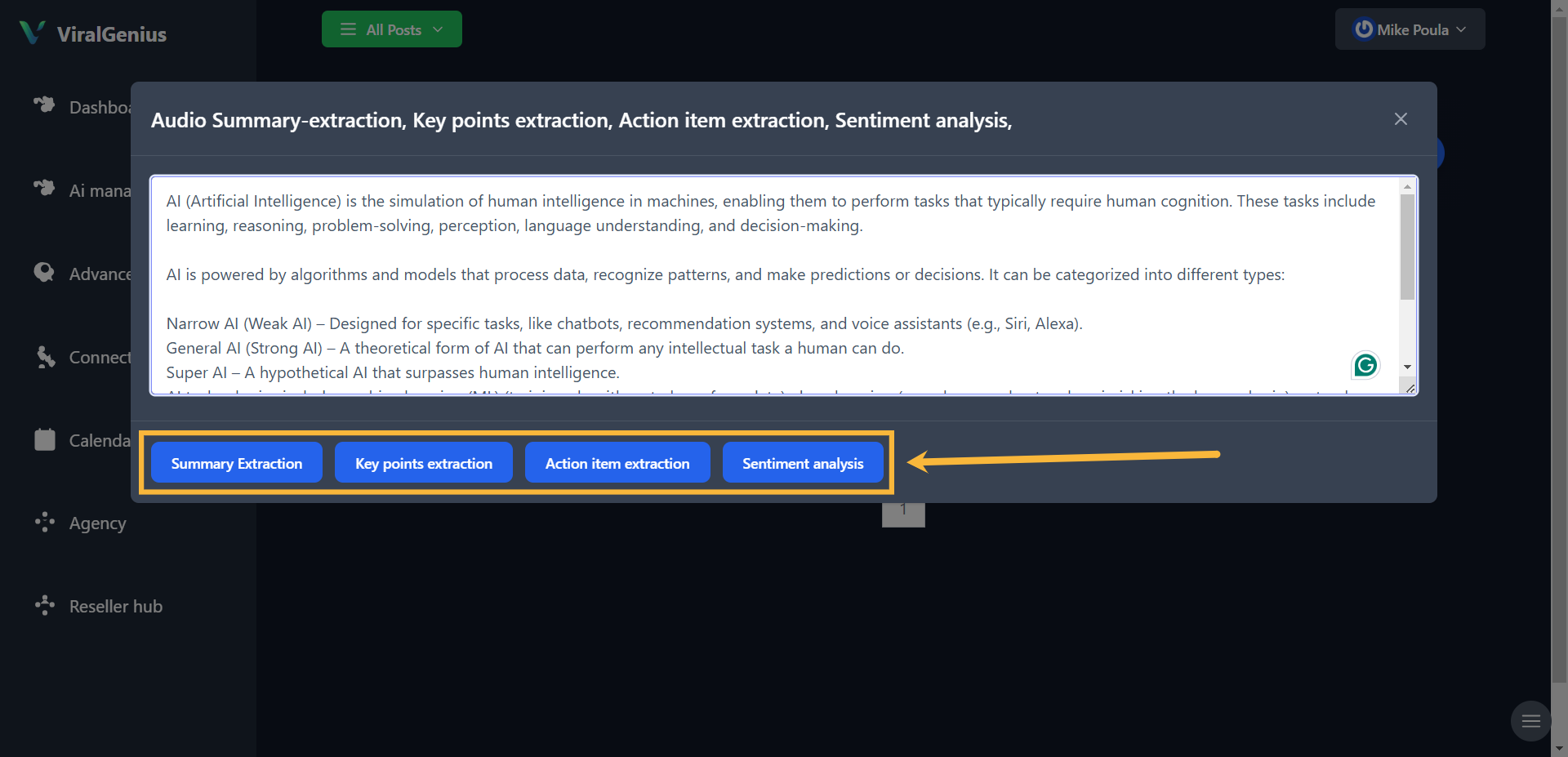
Audio summary extraction, Key points extraction, Action item extraction, Sentiment analysis,
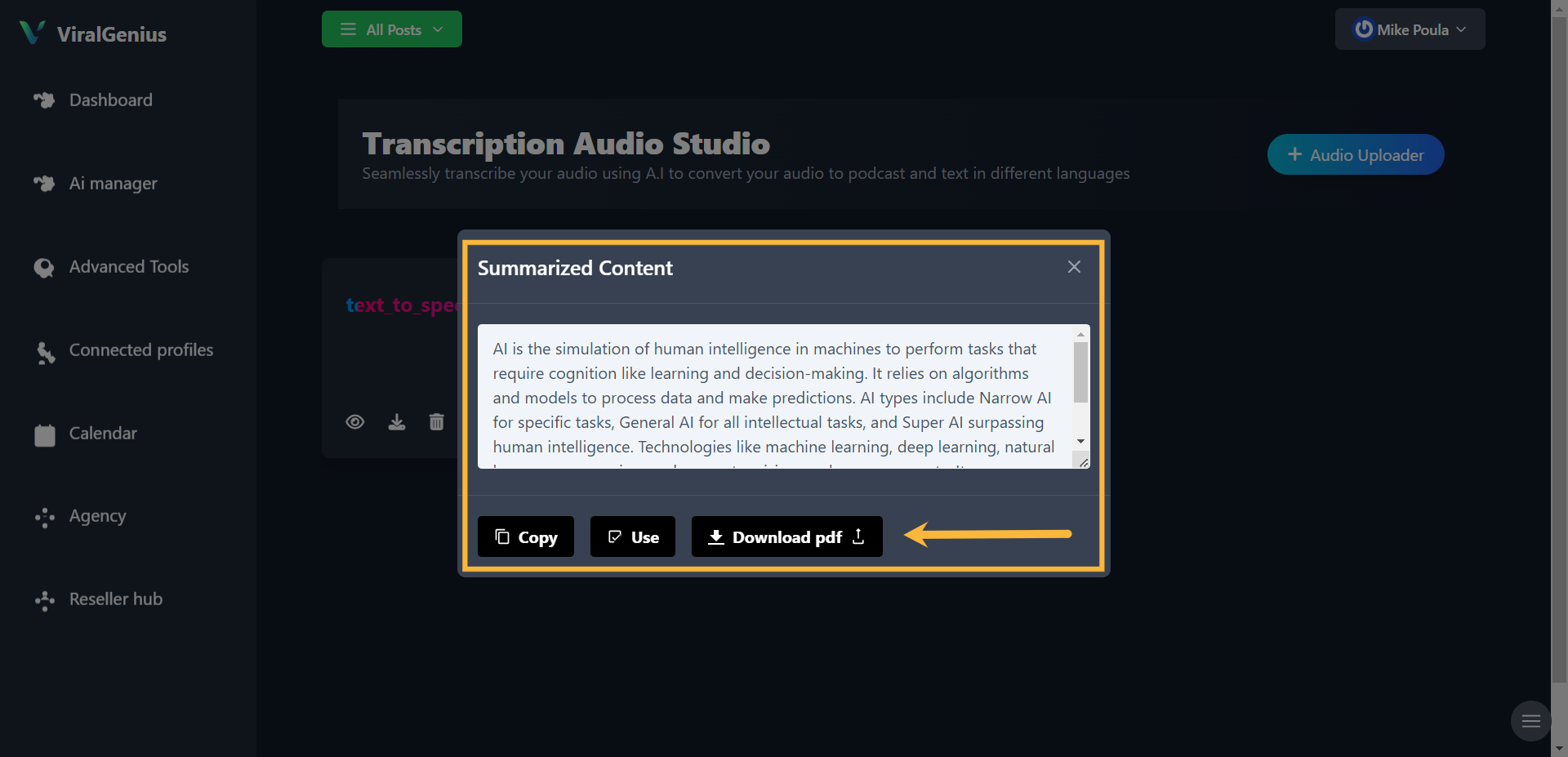
Summary extraction (Copy, use, or download)
Key points extraction (Copy, use, or download)
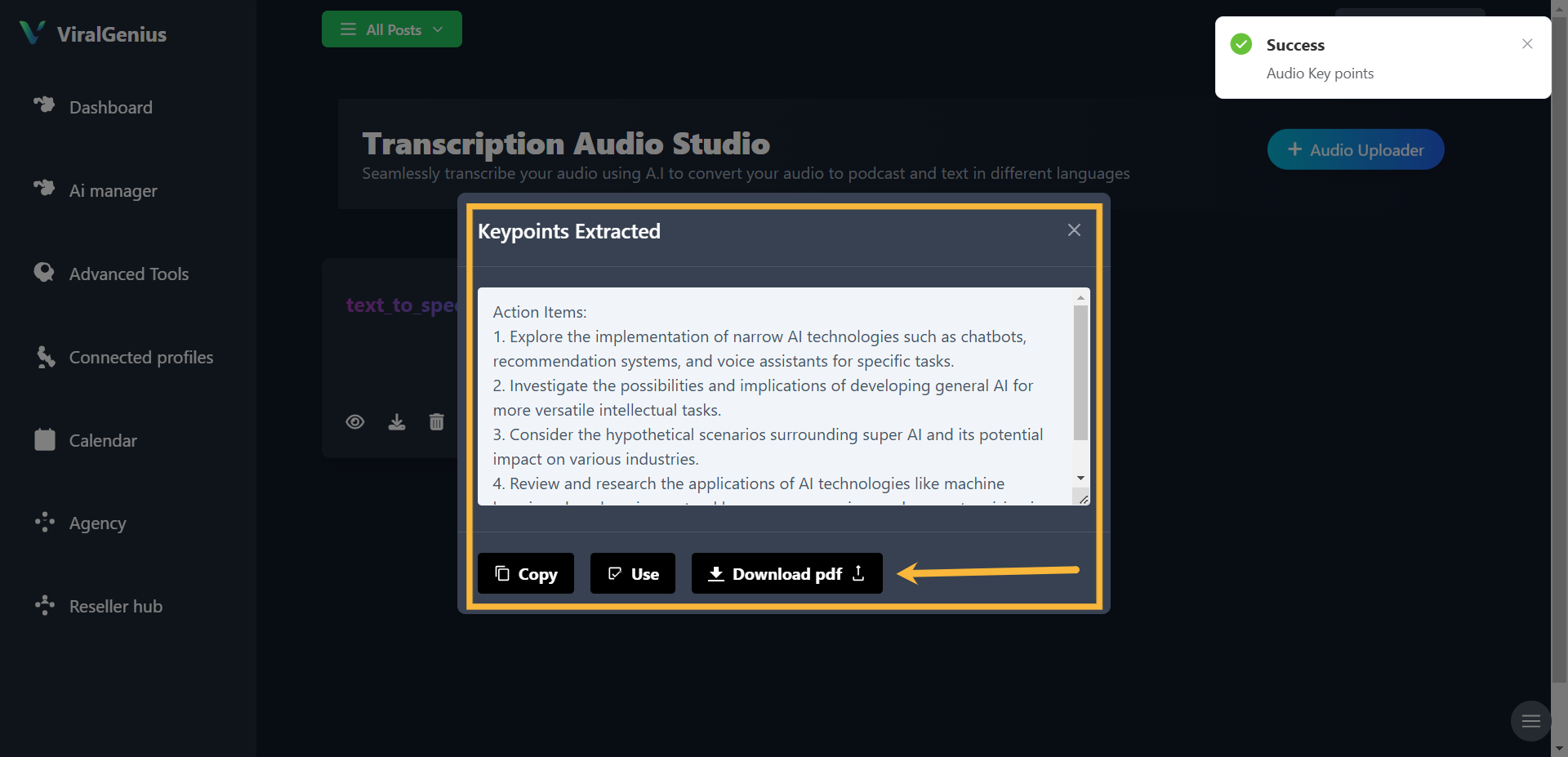
Action item extraction (Copy, use, or download)
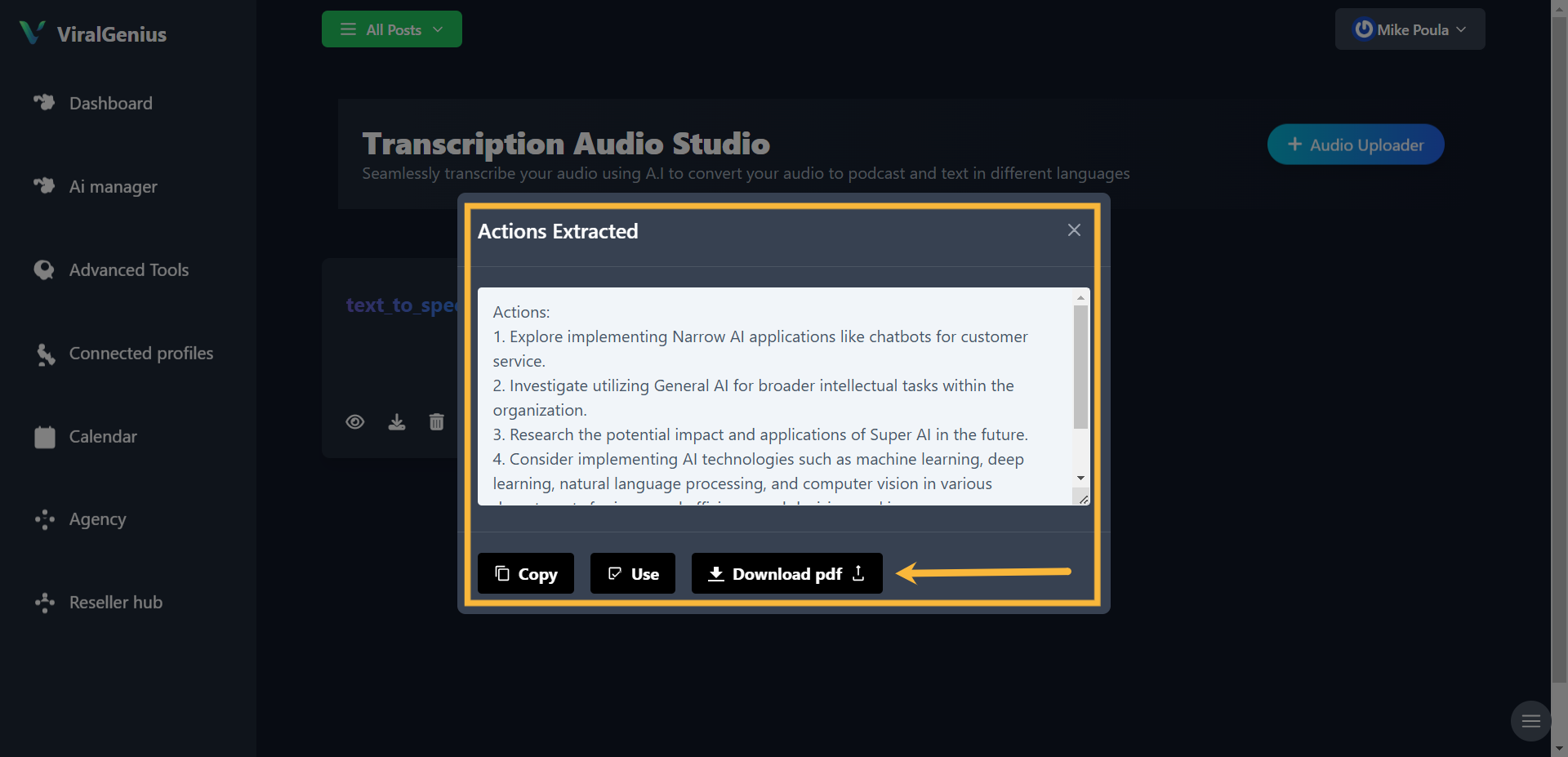
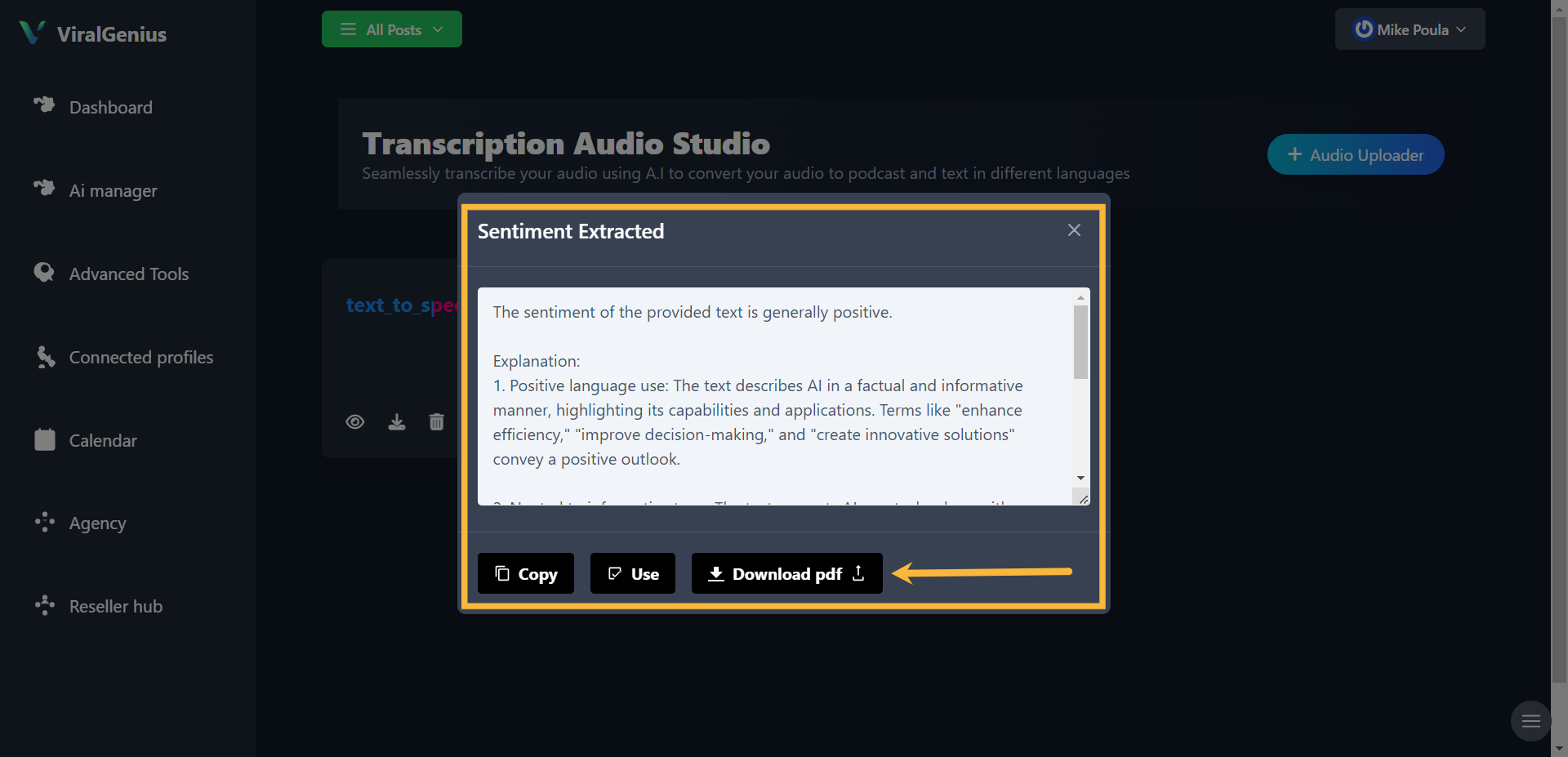
Sentiment analysis (Copy, use, or download)