In this tutorial, I’ll show you how to use the Audio to Video tool
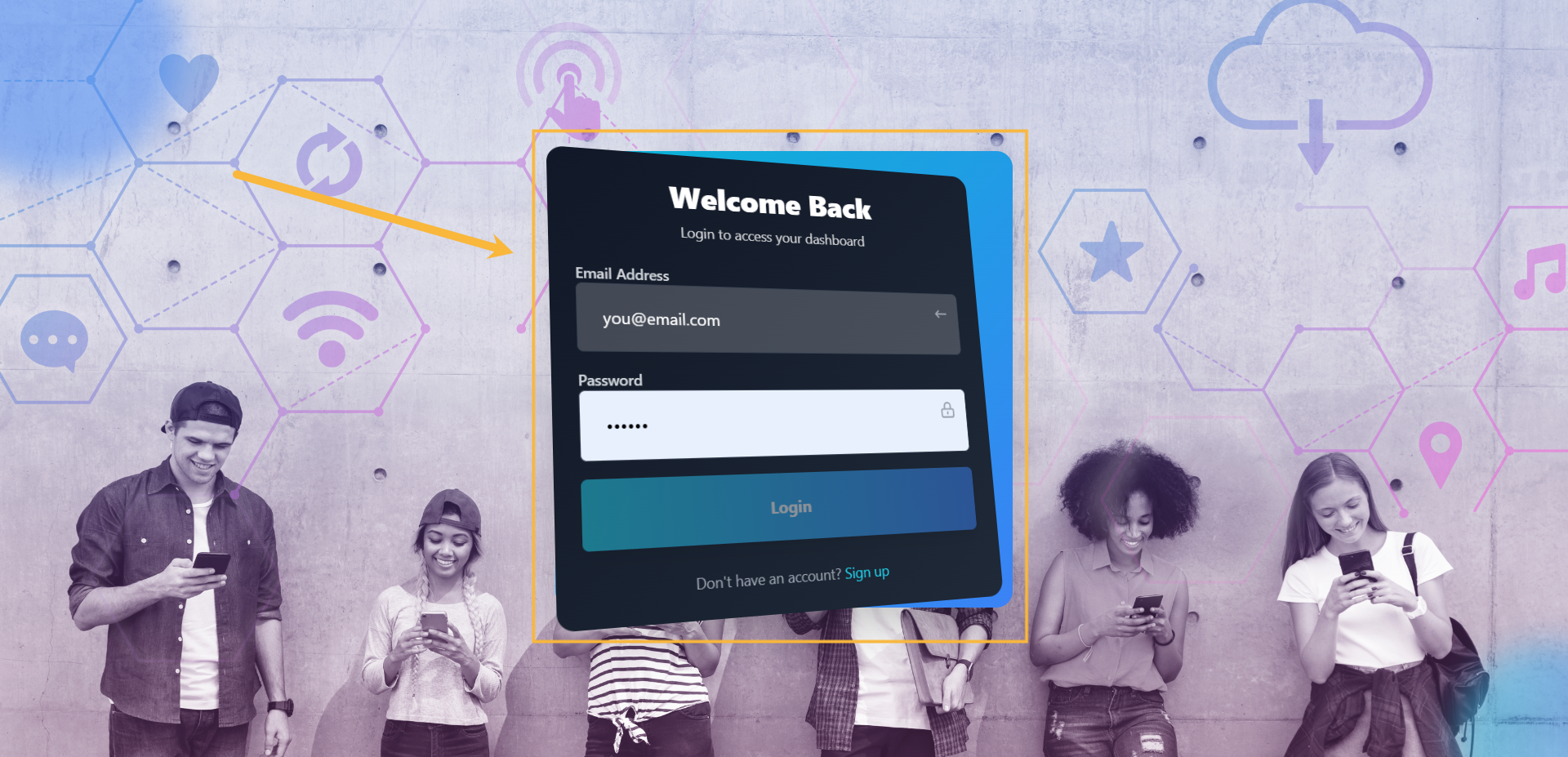
Step#1: Log in to your account
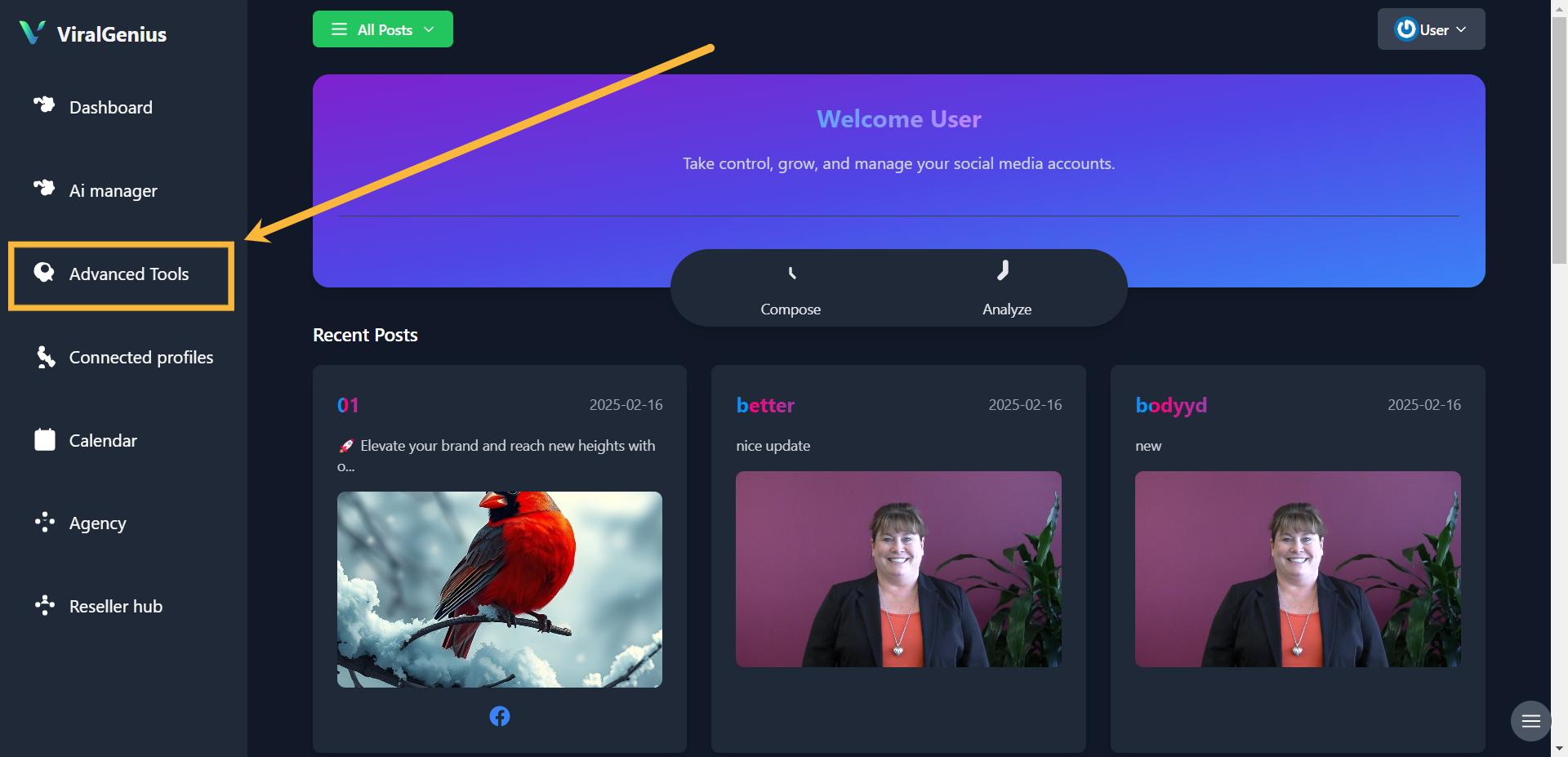
Step #2: Click on Advanced Tools
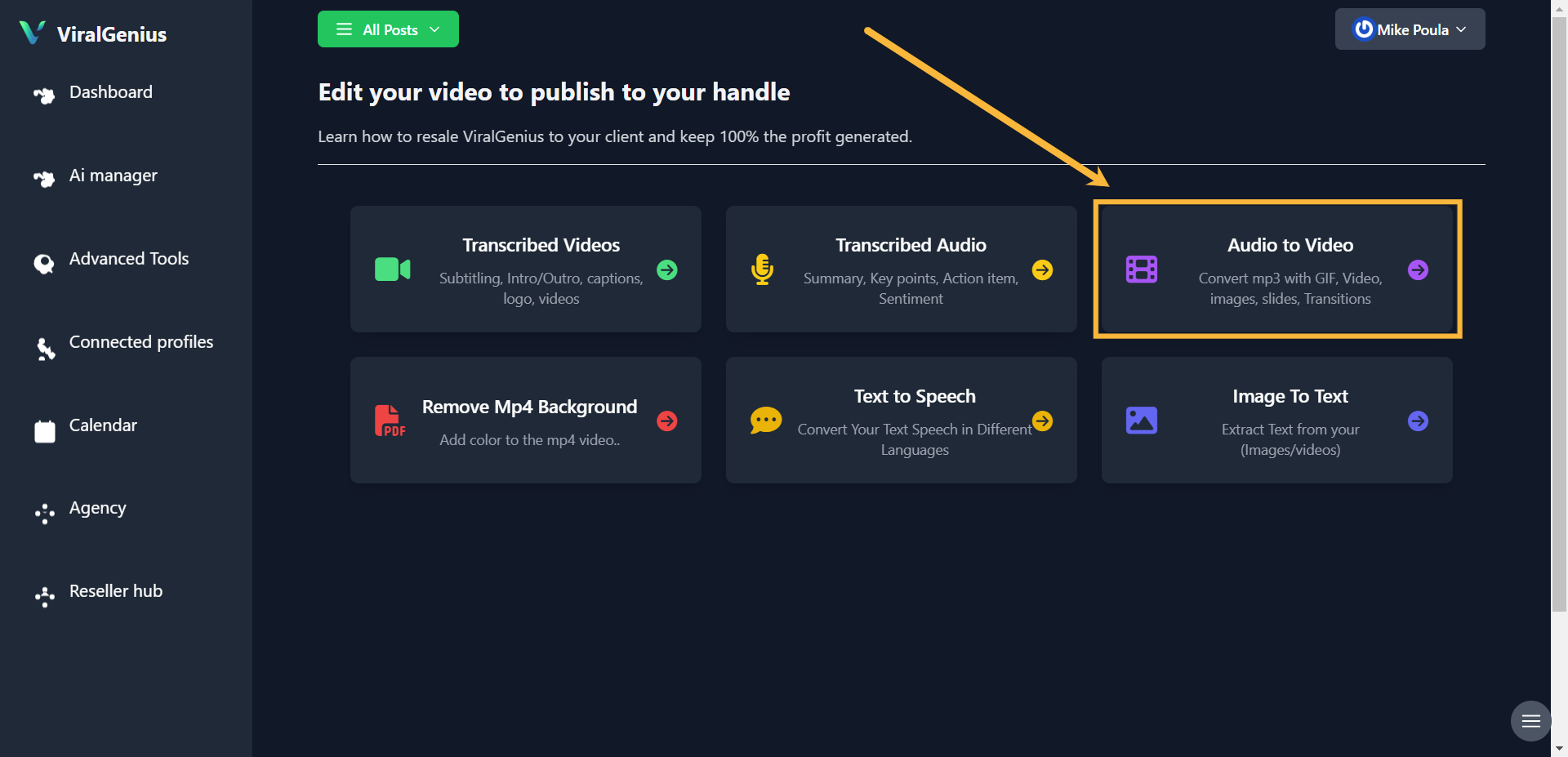
Step #3: Click on Audio to Video
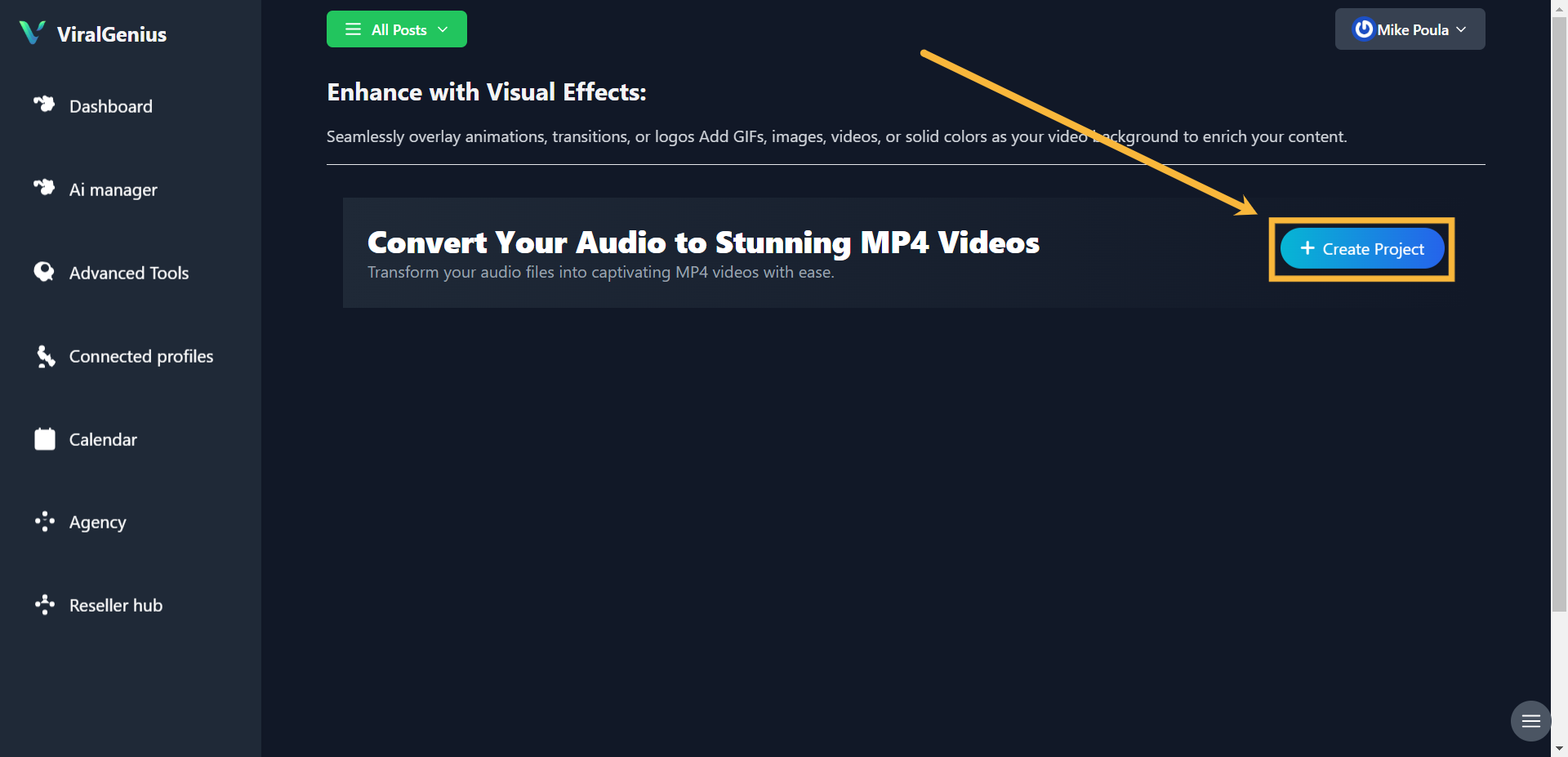
Step #4: Click on Create Project
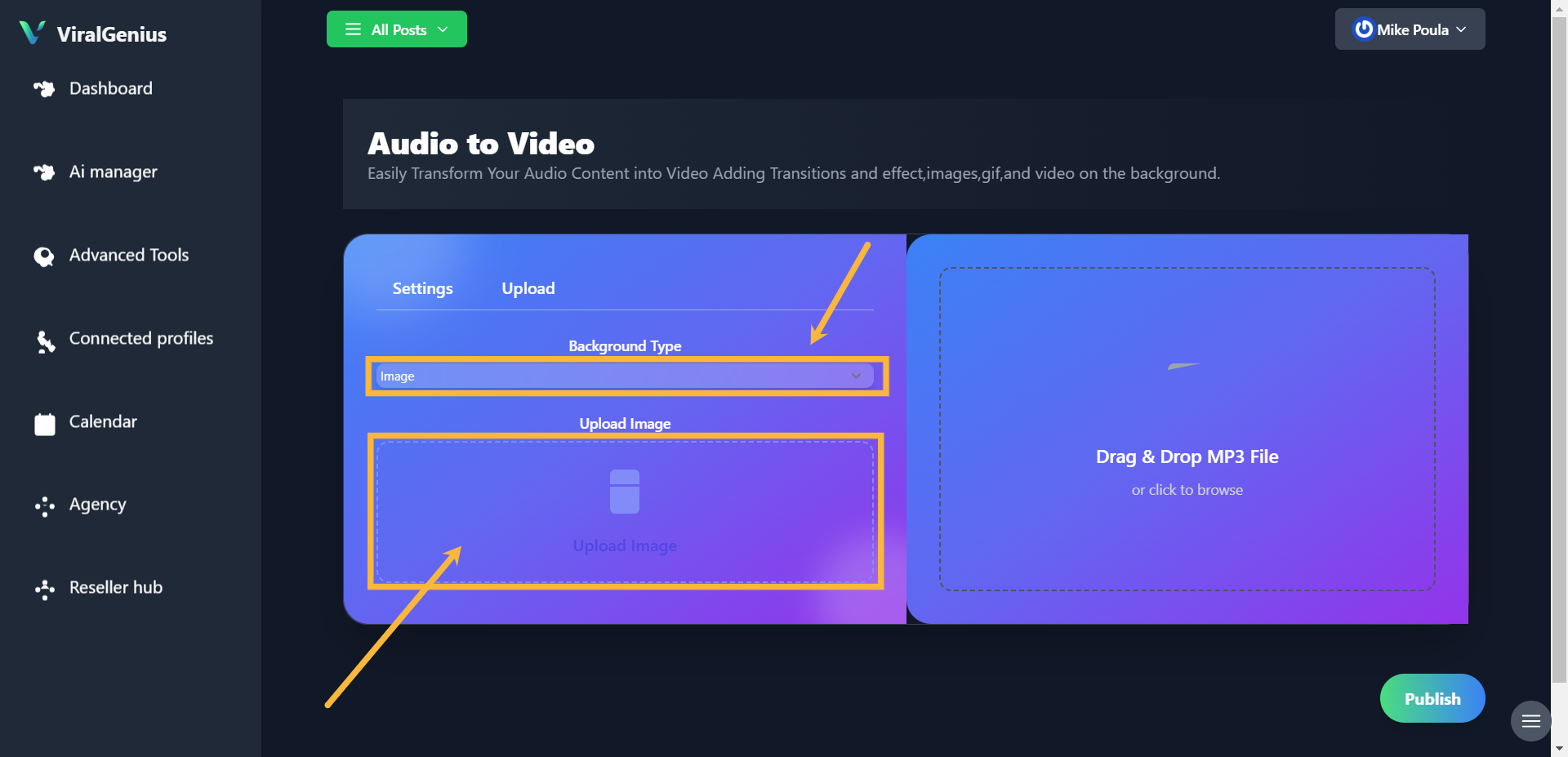
Step #6: Go to settings to view your uploaded media and select duration (in seconds)
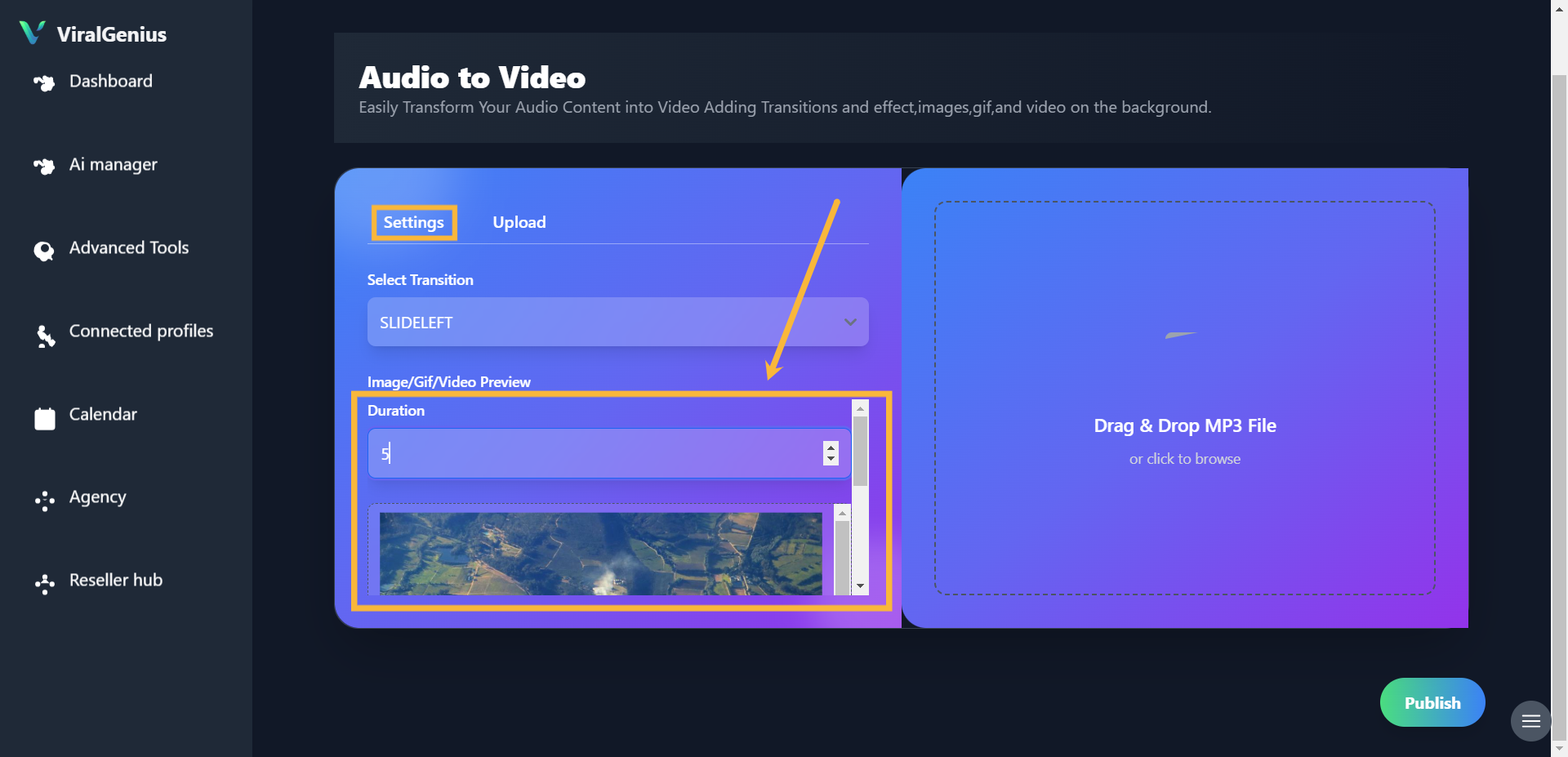
Step #7: After that, select the audio you want to convert to audio, then click on Publish
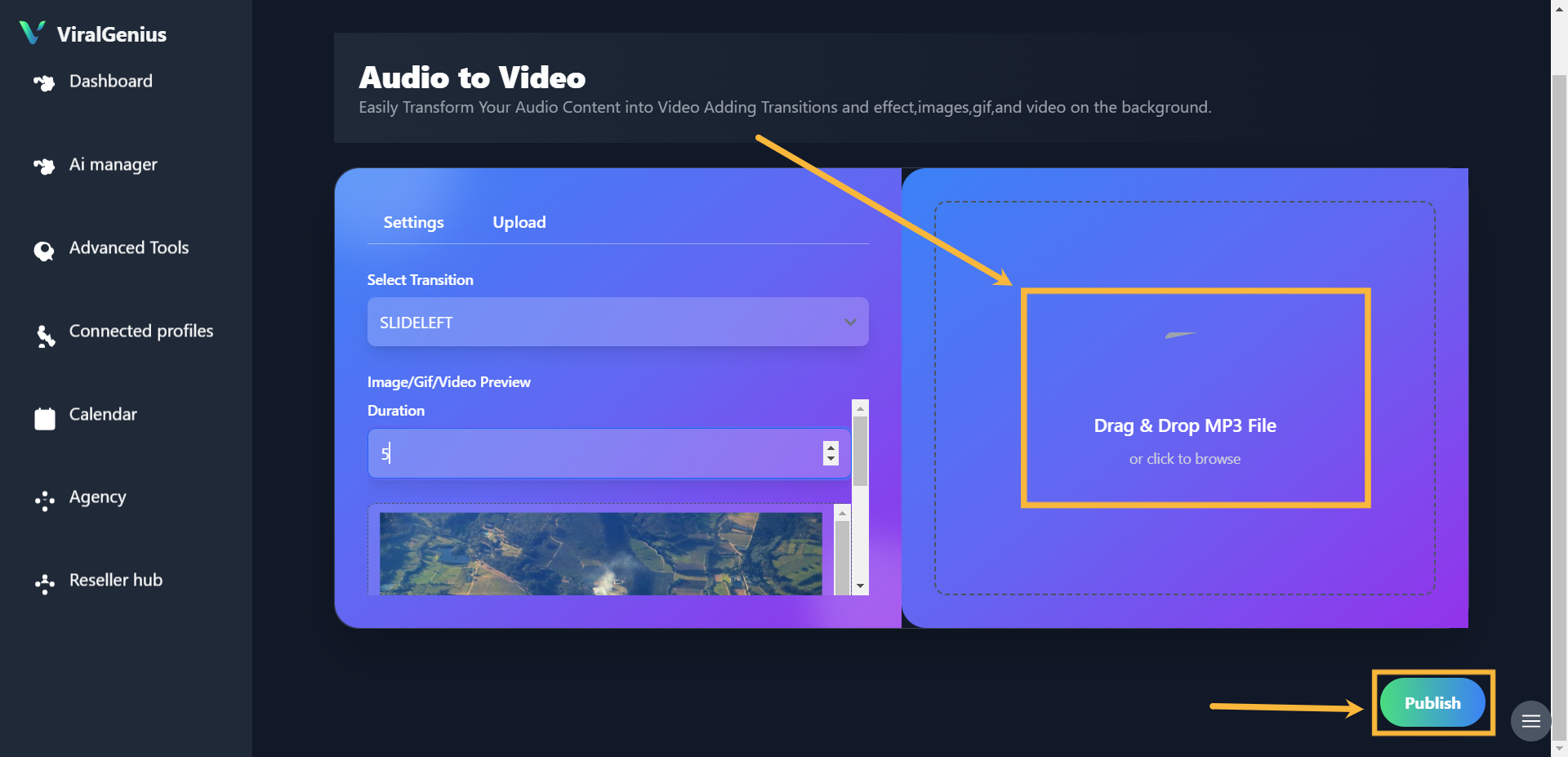
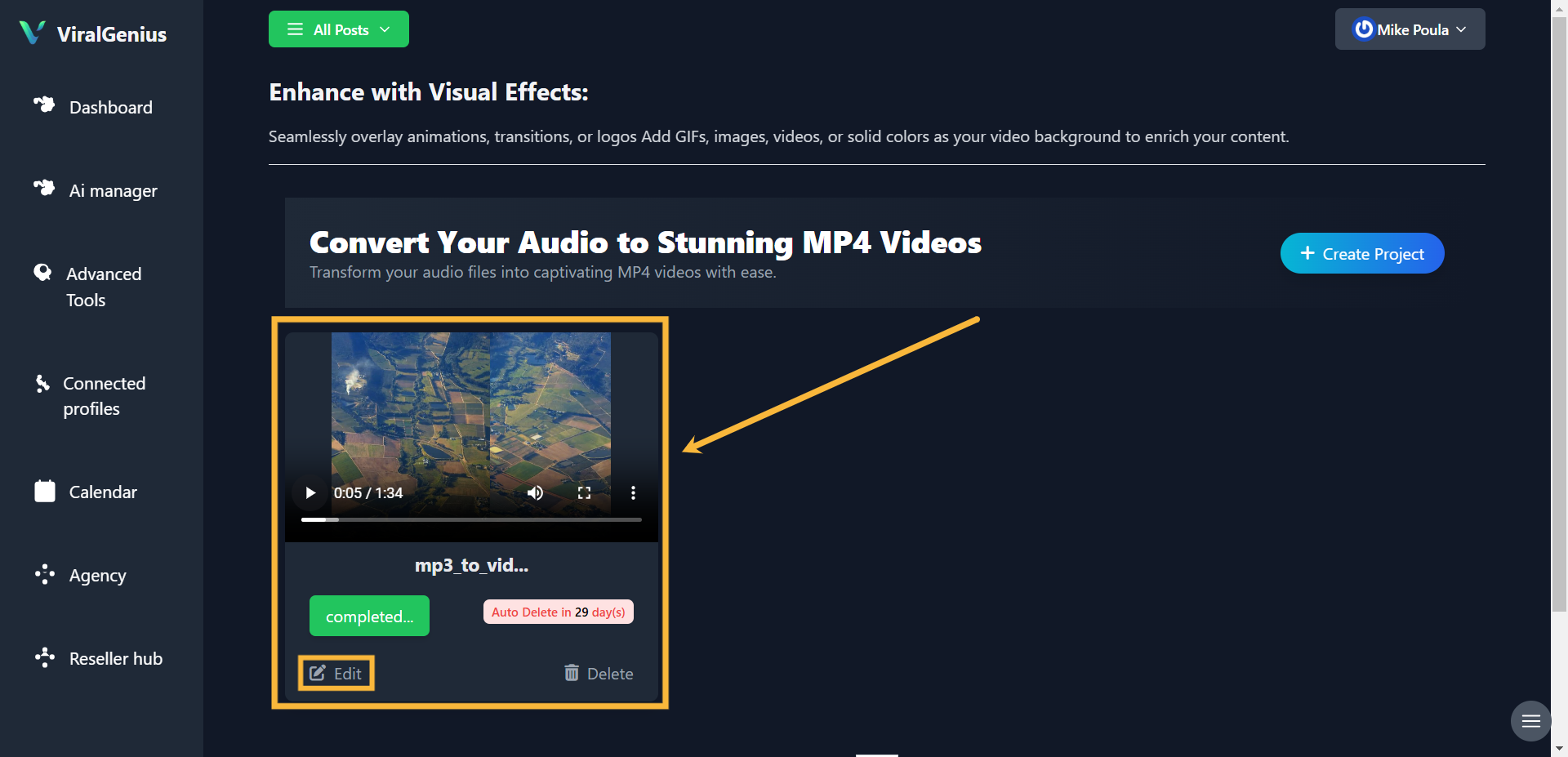
Step #8: And here you have your audio successfully converted to video. Click on the edit button to publish your video to your social media accounts
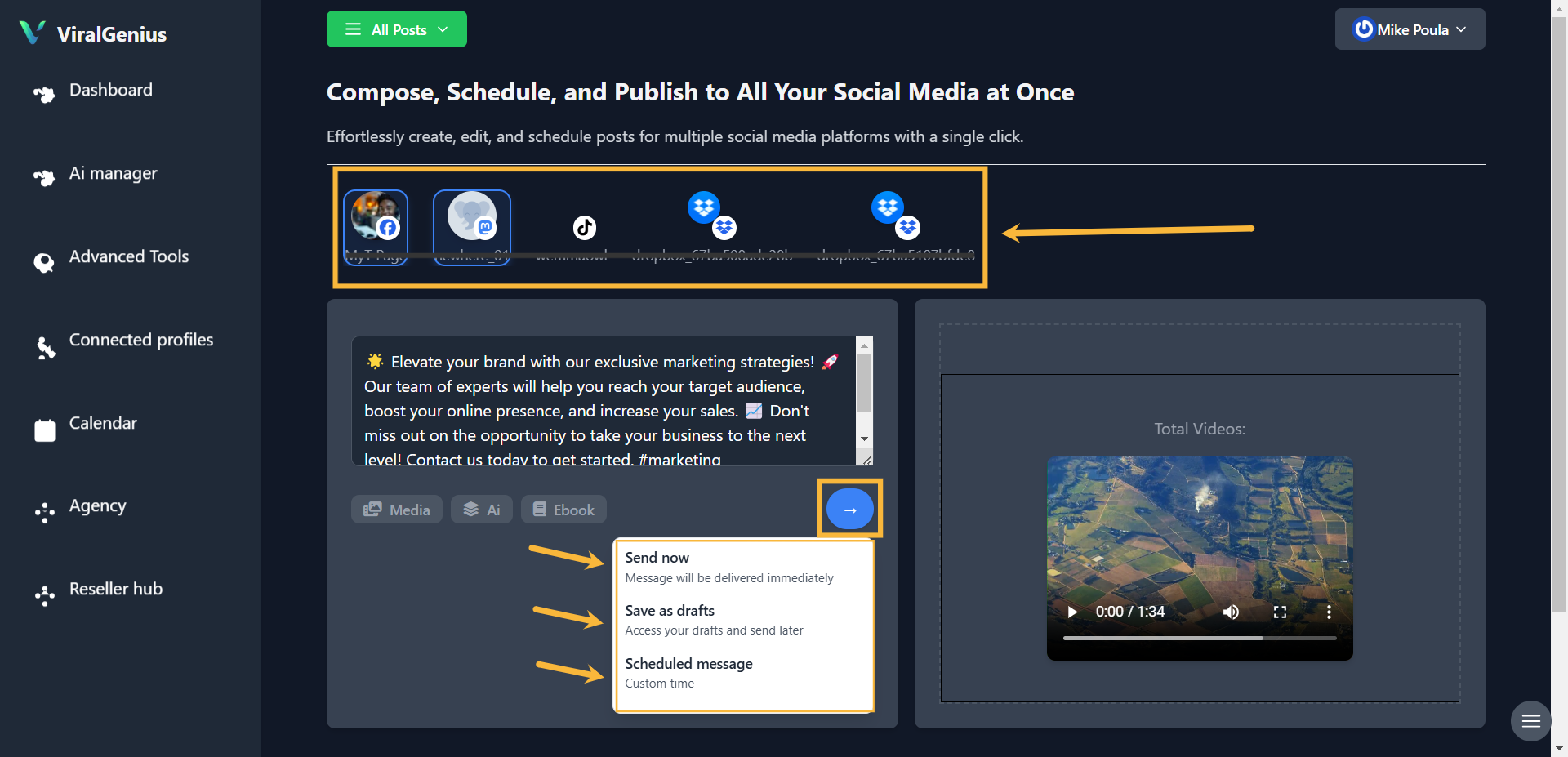
Here, you can type/ paste your content, upload media, or use AI to write your content.

After that, select the social media platform you want to publish the video to, and then click on the publish icon to either publish now, save as draft, or schedule your post.
Hope this was helpful